Most advice about AI coding tools for developers still treats the category like a single product choice. It isn't. Inline completion, repo-wide refactoring, cloud prototyping, terminal automation, and governed enterprise rollout are different jobs with different failure modes. A tool that feels fast in a greenfield side project can become expensive, noisy, or hard to trust once it starts touching a large shared codebase.
That's why “best” usually means “best for this workflow, in this environment, with these review rules.” The practical comparison isn't just model quality. It's how the tool fits your editor, whether it can reason across the repository, how it handles tests and terminal commands, what privacy controls your team needs, and how billing behaves when developers move from autocomplete to agent-like usage. GitHub's move to usage-based billing for Copilot plans made that cost question harder to ignore.
Pick for workflow fit, not popularity. The right tool removes repetitive work without creating a second job in review, debugging, and spend control.
My short filter is simple. Define the task. Check the development environment. Estimate usage. Review privacy and governance needs. Then test the tool on representative repository work, not toy prompts. If you're also mapping the startup ecosystem around this space, this early stage investor list for developer tools is a useful side reference.
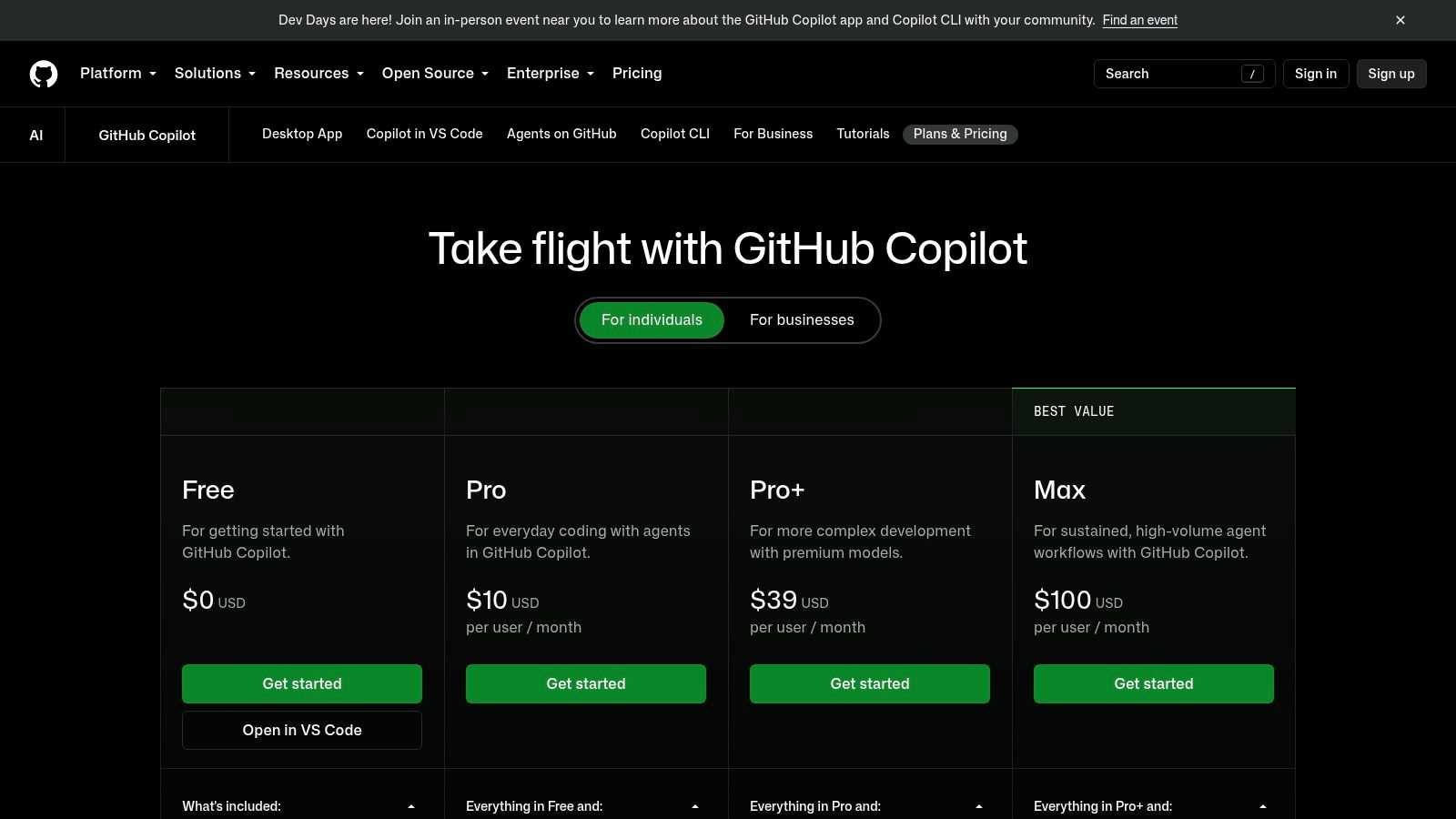
GitHub Copilot is often the obvious first trial, but “obvious” and “best” are not the same thing. Copilot earns its place when the job is fast code completion, lightweight chat inside the editor, and GitHub-native help around pull requests, issues, and day-to-day review flow. Teams already working inside GitHub usually feel the benefit quickly because setup is minimal and the product sits close to the repository, not off to the side. You can review current GitHub Copilot plans.
The strongest case for Copilot is workflow fit. It works across VS Code, Visual Studio, JetBrains IDEs, and Neovim, so platform teams do not need to force a single editor just to roll it out. That matters more than model benchmarks in mixed environments. If half the team lives in IntelliJ and the other half in VS Code, consistency of access matters.
Copilot is best judged by task.
For inline completion, it is a safe default and usually the easiest tool to get adopted. For repository reasoning, it is useful, but I would still test how well it handles your actual codebase structure, naming conventions, and review expectations before assuming it can support larger refactors cleanly. For testing and PR assistance, the value depends on how strict your team is about generated changes. Fast suggestions help, but they can also increase review load if developers accept code that compiles and still misses local patterns or edge cases.
Pricing is less simple than “seat cost plus done.” GitHub's plan documentation now includes allowances tied to AI Credits, including 1,000 AI Credits for Pro, 3,900 for Pro+, 10,000 for Copilot Max, 1,900 per user per month for Business, and 3,900 per seat per month for Enterprise. That changes the evaluation for teams that move beyond autocomplete and start using more agent-like features regularly. A small team can ignore that at first. A larger engineering org should not.
Practical rule: Copilot works well as a completion-first tool for GitHub-centered teams, but usage patterns need monitoring once developers rely on chat, multi-step edits, or higher-cost model access.
Governance is part of the buying decision too. Copilot is easier to approve than many newer tools because GitHub already sits inside the existing development process at a lot of companies. That does not remove the need for policy. Teams still need rules for code review, prompt handling, test expectations, and which repositories can use AI-generated changes without extra scrutiny.
One caution from practice: Copilot can feel faster than it is. The right test is not whether developers like the suggestions in the first hour. The right test is whether merged code quality holds up, whether review time stays reasonable, and whether usage stays within budget after the initial rollout. For interview prep and better prompt discipline, this guide on using LLMs effectively in a coding interview is a useful side read.
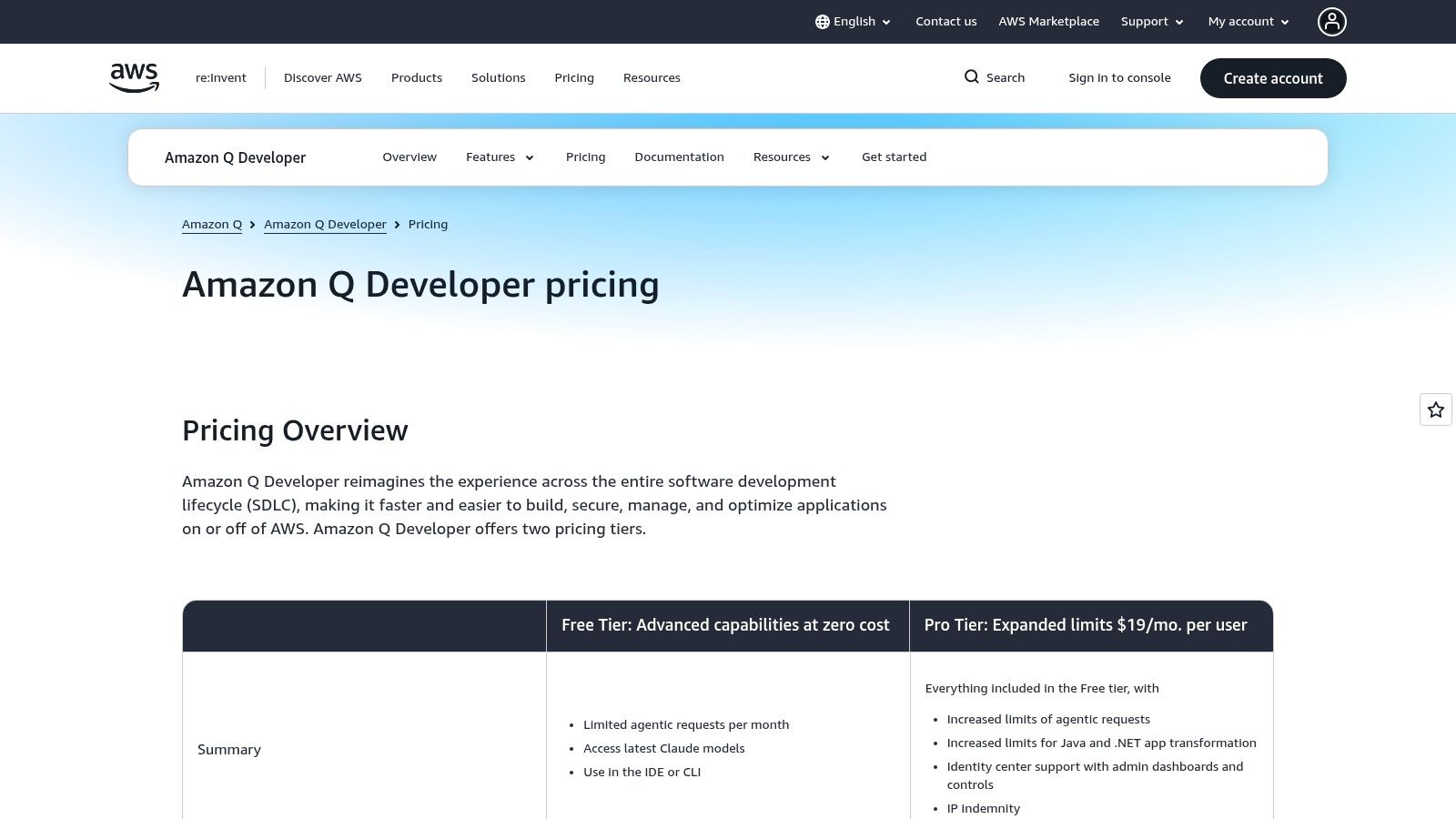
Amazon Q Developer makes the most sense when your workflow already runs through AWS services, IAM policies, the AWS Console, and migration-heavy backend work. It's one of the few tools in this list that I'd evaluate first for cloud modernization rather than for pure editor experience.
Its biggest practical distinction is task type. Q isn't just trying to autocomplete code. It also leans into transformations, upgrades, CLI help, and AWS-connected developer tasks. That can matter a lot if your team spends more time changing old systems than generating new code. The place to review plan details is Amazon Q Developer pricing.
Q tends to be more compelling in organizations with a clear AWS center of gravity. If developers regularly move between application code and cloud configuration, a tool wired into that environment can save context switching. If you're not on AWS, a lot of that advantage disappears.
What I like here is the focus on practical enterprise concerns such as reference tracking and suppression of public-code suggestions. That won't matter to every startup, but it matters a lot in legal and security reviews. Predictable per-user pricing also tends to be easier for engineering managers to explain than open-ended API usage.
Q is rarely the trendy choice in general developer discourse. In the right context, that doesn't matter. If your roadmap includes modernization work inside AWS, Amazon Q Developer can be more practical than a more popular editor-first assistant.
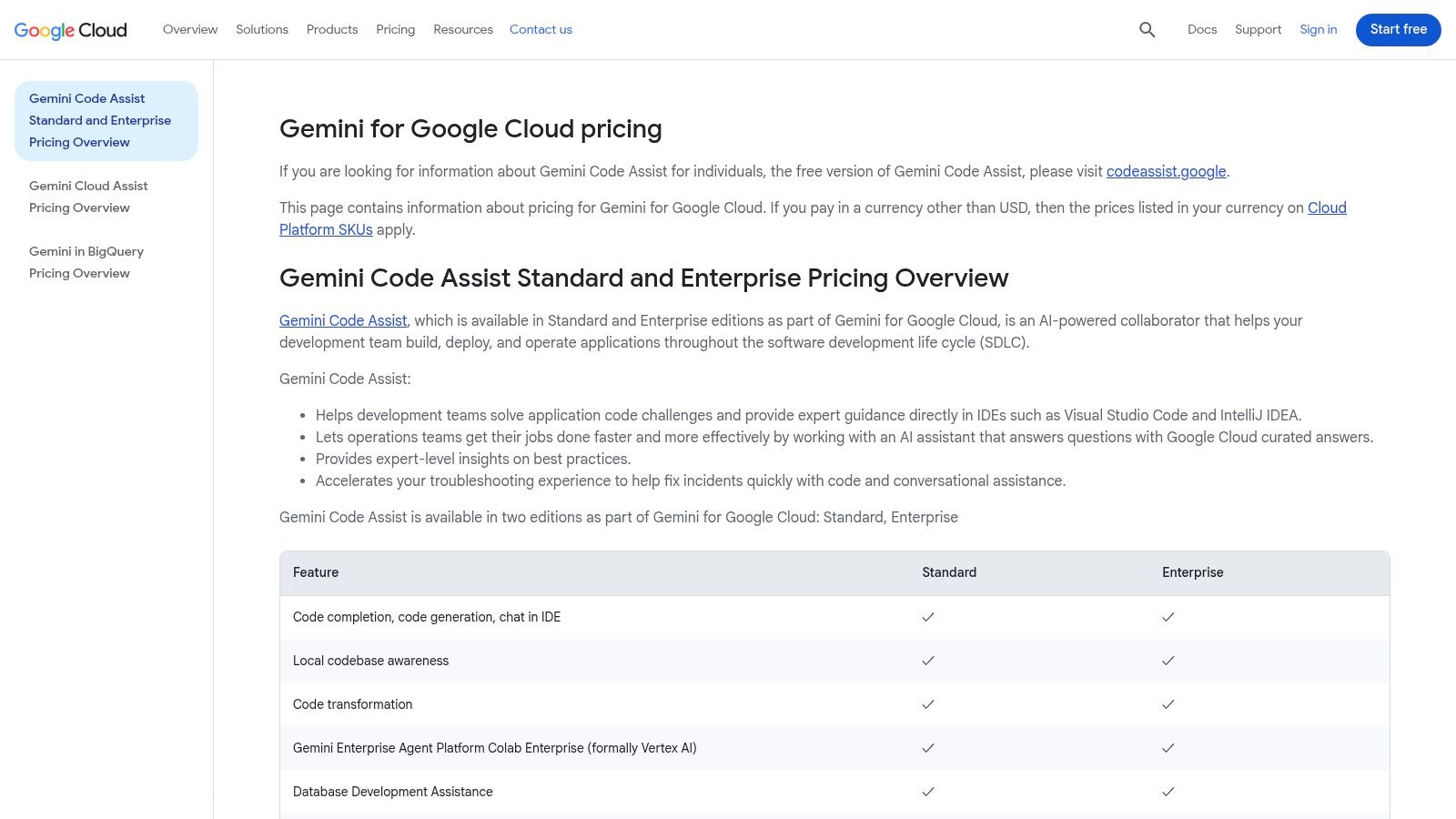
Google Gemini Code Assist is easiest to justify when engineering work already touches Google Cloud services like BigQuery, Firebase, and GKE. In that setup, the tool acts less like a generic chat layer and more like an extension of an existing platform. You can review its structure through Google Cloud Gemini pricing.
This is a good example of why workflow beats brand popularity. A team building data-heavy products on Google Cloud usually cares about cloud-native context, admin controls, and centralized procurement. Those needs are different from a solo developer who just wants fast completion in a local editor.
Gemini Code Assist is a strong fit for teams that want one purchase and management path inside Google Cloud. Standard and Enterprise editions make more sense once security and admin requirements show up. For individual developers, the free or individual access path is useful for trialing the experience before trying to standardize it.
The trade-off is complexity. Google's pricing and packaging can feel cloud-shaped rather than developer-shaped. That's manageable in larger orgs. It's often annoying in small teams that want a straightforward answer to “what will this cost if five engineers use it every day?”
A cloud-native coding tool can be the right choice when the coding work and the deployment environment are tightly coupled. It can be the wrong choice when you just want a simple editor assistant.
If your developers spend a lot of time crossing between service code, deployment concerns, and data infrastructure, Gemini Code Assist deserves a serious evaluation. If they mostly write application code outside Google Cloud, the platform advantage shrinks quickly.
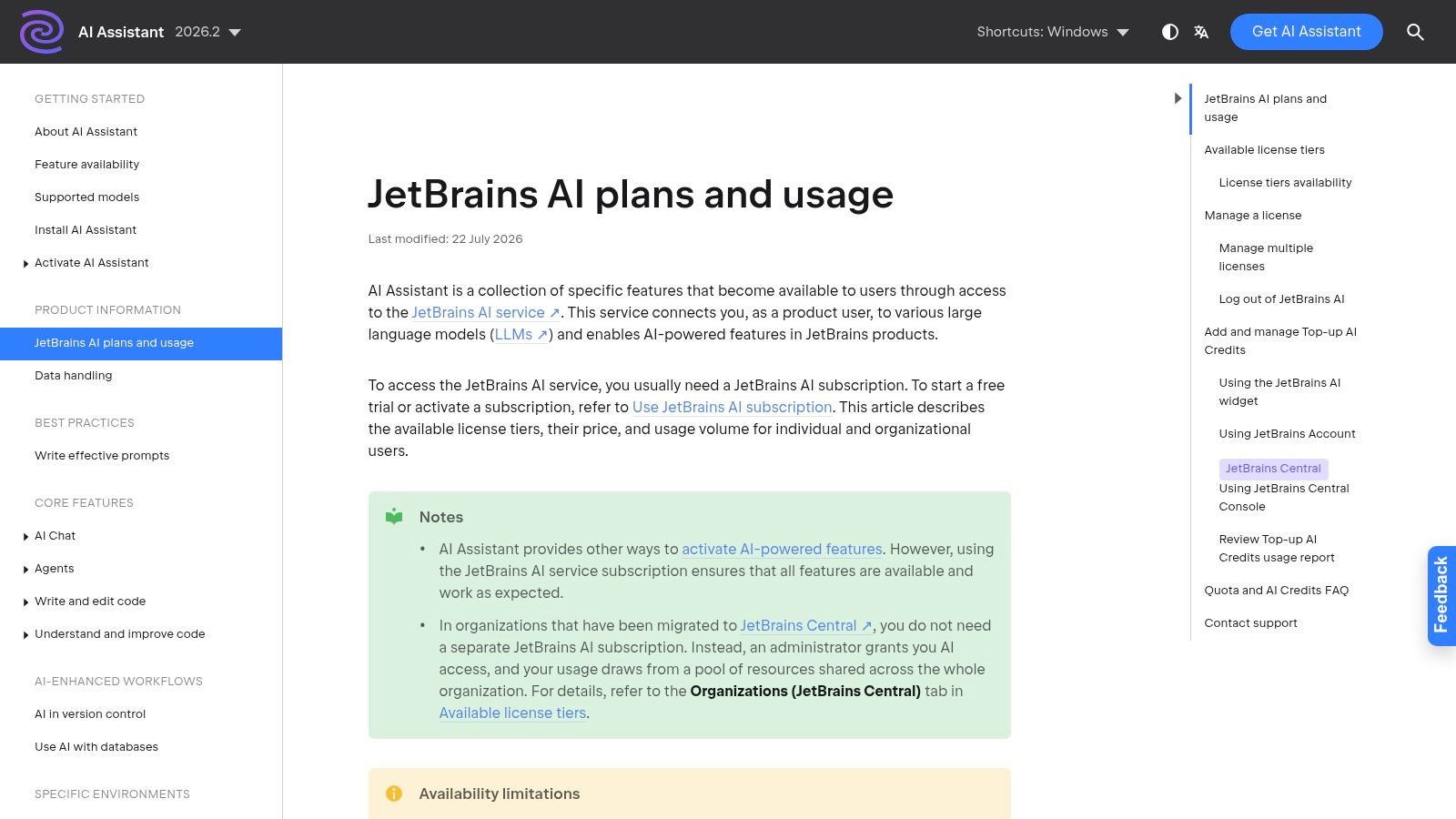
JetBrains AI Assistant makes the most sense when the IDE already defines how the team works. In that setup, the question is less about getting another chat window and more about improving the jobs developers already do inside IntelliJ IDEA, PyCharm, WebStorm, or GoLand: writing code, stepping through refactors, generating tests, and inspecting failures without leaving the editor. Plan details are in JetBrains AI Assistant licensing and subscriptions.
The practical advantage is workflow continuity. A developer reviewing a warning, renaming a symbol, generating boilerplate, and asking for a test stub can stay inside one toolchain with the same shortcuts, inspections, and project model. That matters more in day-to-day work than benchmark arguments about which model answered one prompt slightly better.
I would evaluate JetBrains AI Assistant by task, not brand:
The trade-off is coverage. JetBrains AI Assistant is less attractive if the company supports multiple editors, heavy CLI workflows, or a shared AI standard across design, docs, code review, and terminal automation. In those environments, a tool tied closely to one IDE family can create uneven adoption.
Pricing also deserves a closer look before rollout. Credit-based usage can be harder to forecast than a flat per-seat subscription, especially when a few power users generate much more activity than the rest of the team. Procurement teams usually care about that before developers do.
A good pilot group is easy to identify. Pick a team that already spends most of its day in JetBrains, works in Java, Kotlin, Python, or another language well served by the IDEs, and does frequent maintenance or refactor-heavy work. If the team mainly prototypes in the terminal or jumps across several editors, the fit drops fast.
JetBrains AI Assistant is a workflow tool first. For JetBrains-centered teams, that is often the right priority.
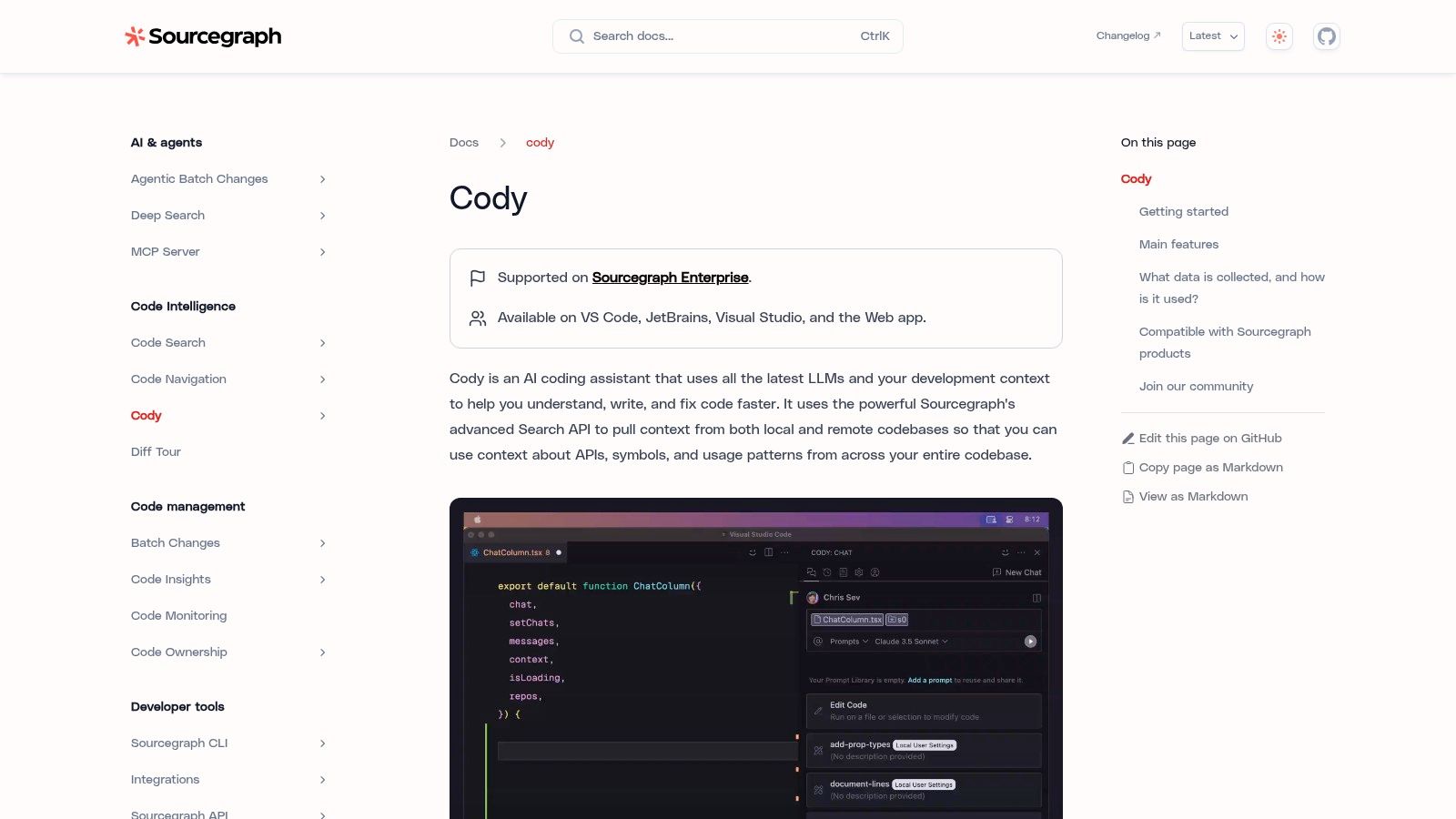
Sourcegraph Cody earns its place in a stack for one job above all others: repository reasoning. Teams buy it when the expensive part of development is not writing the next function, but figuring out how a change ripples through a large system. The product docs are at Sourcegraph Cody docs.
That difference matters in day-to-day work. A completion-first assistant helps with local speed. Cody is more useful when an engineer is dropped into an unfamiliar service, needs to trace a shared abstraction across many files, or has to scope a refactor before touching code.
The fit shows up quickly in a few common workflows:
That is why Cody tends to land better with platform teams, senior ICs, and engineers working inside large internal systems than with solo builders shipping greenfield code. If the codebase is small and the architecture is still fluid, the overhead is harder to justify. Simpler assistants usually cover more of the value at a lower cost.
Sourcegraph's advantage is not just the chat box. It comes from pairing AI assistance with code search and code intelligence that many enterprises already use for code navigation and governance. In practice, that can reduce the gap between "where is this used?" and "what should we change?" more effectively than tools that stay confined to the current editor tab.
The trade-off is adoption friction. Cody makes the most sense when the company already has repository complexity, cross-team ownership questions, and some appetite for centralized tooling. It is less compelling if developers mainly want fast inline completion, lightweight prototyping, or editor-first AI behavior with minimal setup.
Pricing and governance deserve scrutiny before rollout. A repo-aware assistant can be easier to justify to leadership when security controls, model choices, and usage boundaries matter as much as raw developer convenience. It can also be harder to prove value if only a narrow slice of the engineering org does the kind of code archaeology that Cody handles best.
A sensible pilot is a team that spends time on large refactors, internal platforms, shared libraries, or incident follow-up across several services. If those engineers keep asking "where else does this pattern exist?" Cody is solving the right problem.
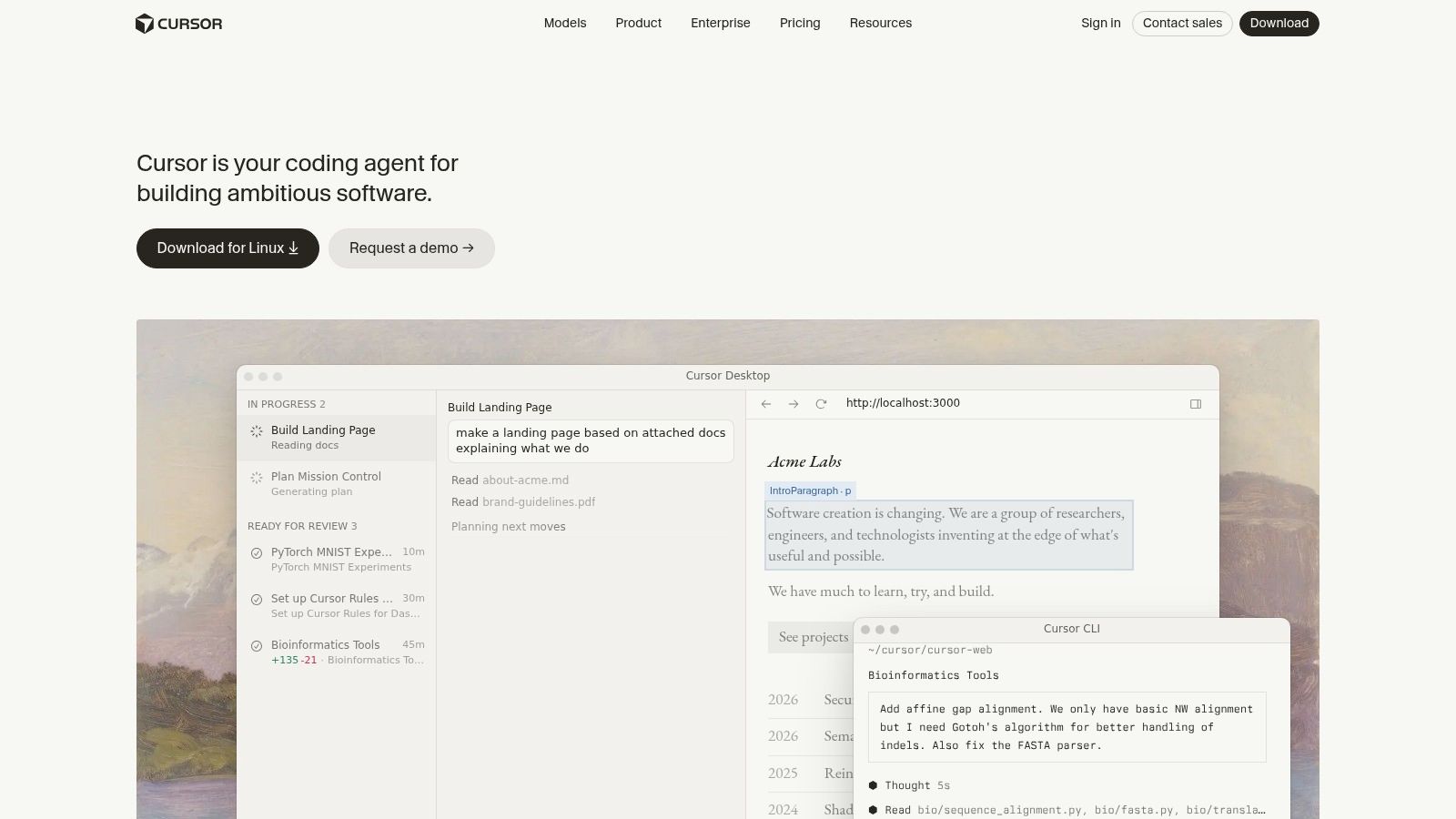
Cursor has become the editor a lot of startup engineers reach for when they want the AI to do more than suggest code. It's an AI-first editor with repo-aware chat, fast apply-from-chat behavior, terminal interactions, and agentic flows that feel built for momentum. The company's main entry point is Cursor.
The reason people switch isn't just novelty. Cursor reduces the friction between “discuss the change,” “apply the change,” and “run the command.” That compressed loop is great when you're prototyping, iterating on product code, or moving quickly across frontend and backend tasks.
Cursor is usually strongest in small to midsize teams that value speed over standardization. It feels polished for the kind of work where a developer wants the assistant to inspect files, patch code, and help drive the next step without bouncing between tools.
The risk is hidden inside that convenience. Teams can start treating the editor as a semi-autonomous worker before they've built review habits that match. That's where toil gets shifted, not removed.
Watch for this failure mode: The editor feels fast, but accepted changes create extra debugging, inconsistent patterns, or cleanup PRs a day later.
I like Cursor most for startup workflows where engineers are comfortable supervising aggressive AI behavior inside the editor. I like it less for tightly governed enterprise environments that need conservative controls and a very clear approval path.
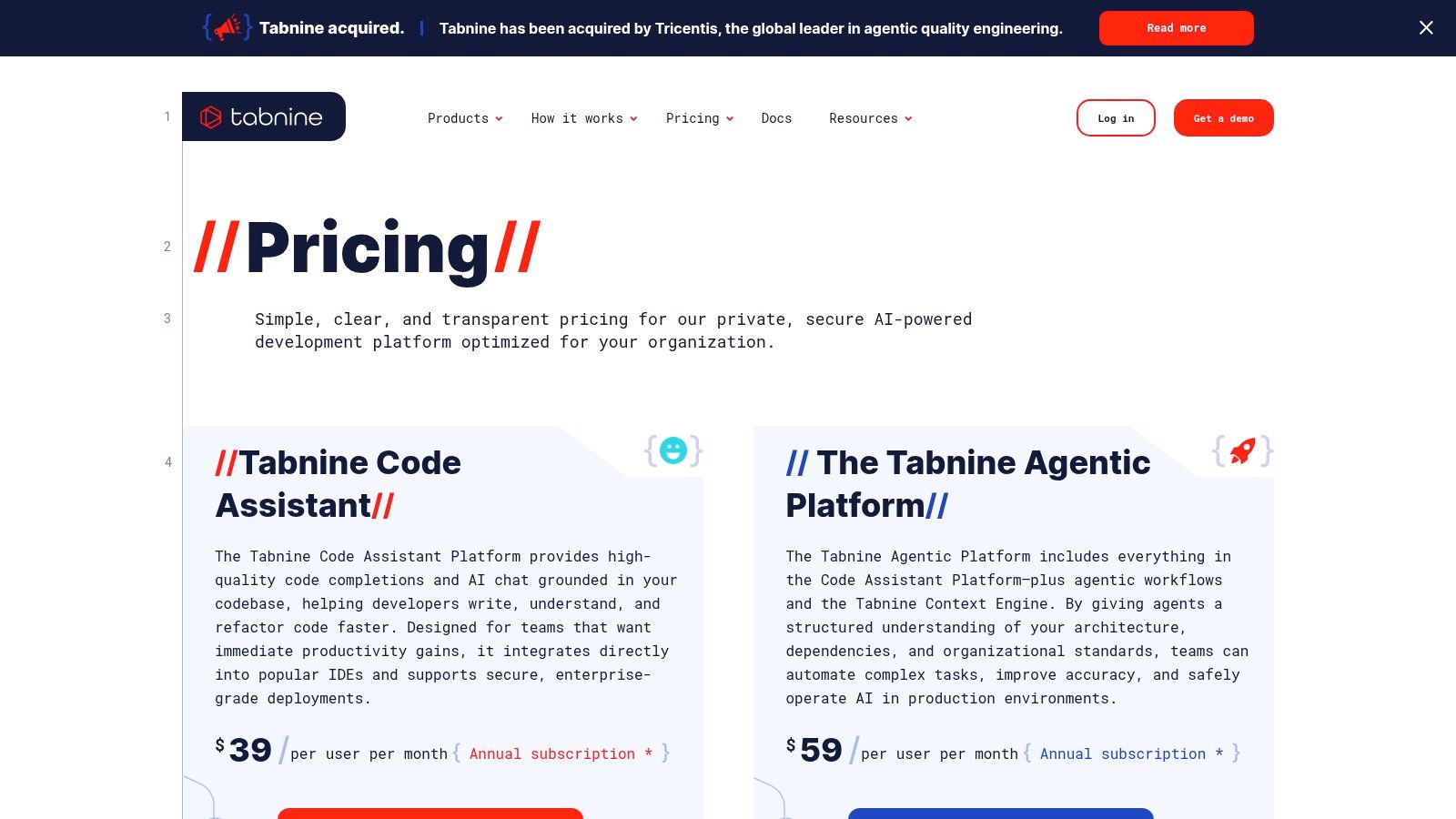
Tabnine sits in a different part of the market from the more consumerized coding assistants. Its pitch is governance, privacy, deployment flexibility, and enterprise control. If your company needs VPC, self-hosted, or air-gapped deployment options, Tabnine becomes much more relevant. You can review the product path at Tabnine pricing.
This isn't usually the tool a solo developer picks for fun. It's the tool a security-sensitive organization evaluates when sending code context to a hosted assistant is a non-starter.
Tabnine's practical value comes from how much control it gives organizations over where the system runs, what models are used, and how data is handled. That makes it a candidate for regulated teams, internal platform groups, and companies with strict compliance expectations.
The caution is straightforward. Governance-heavy tools can slow down lightweight adoption if the engineering org doesn't need that level of control. They can also introduce another budget line if model usage is billed separately.
A nearby reality is trust. JetBrains reported that 90% of professional developers were using AI coding agents at work at least weekly and 68% daily in May to July 2026, while SonarSource reported that 96% of developers do not fully trust AI-generated code and only 48% always check AI-assisted code before committing it. Tabnine's posture makes sense in exactly that environment. Usage is rising, but trust and review discipline still lag.
For larger organizations, staffing and implementation support matter as much as the product. If a team needs help building the right engineering org around secure AI adoption, a specialist staffing partner like nexusITgroup.com is the kind of external support worth considering.
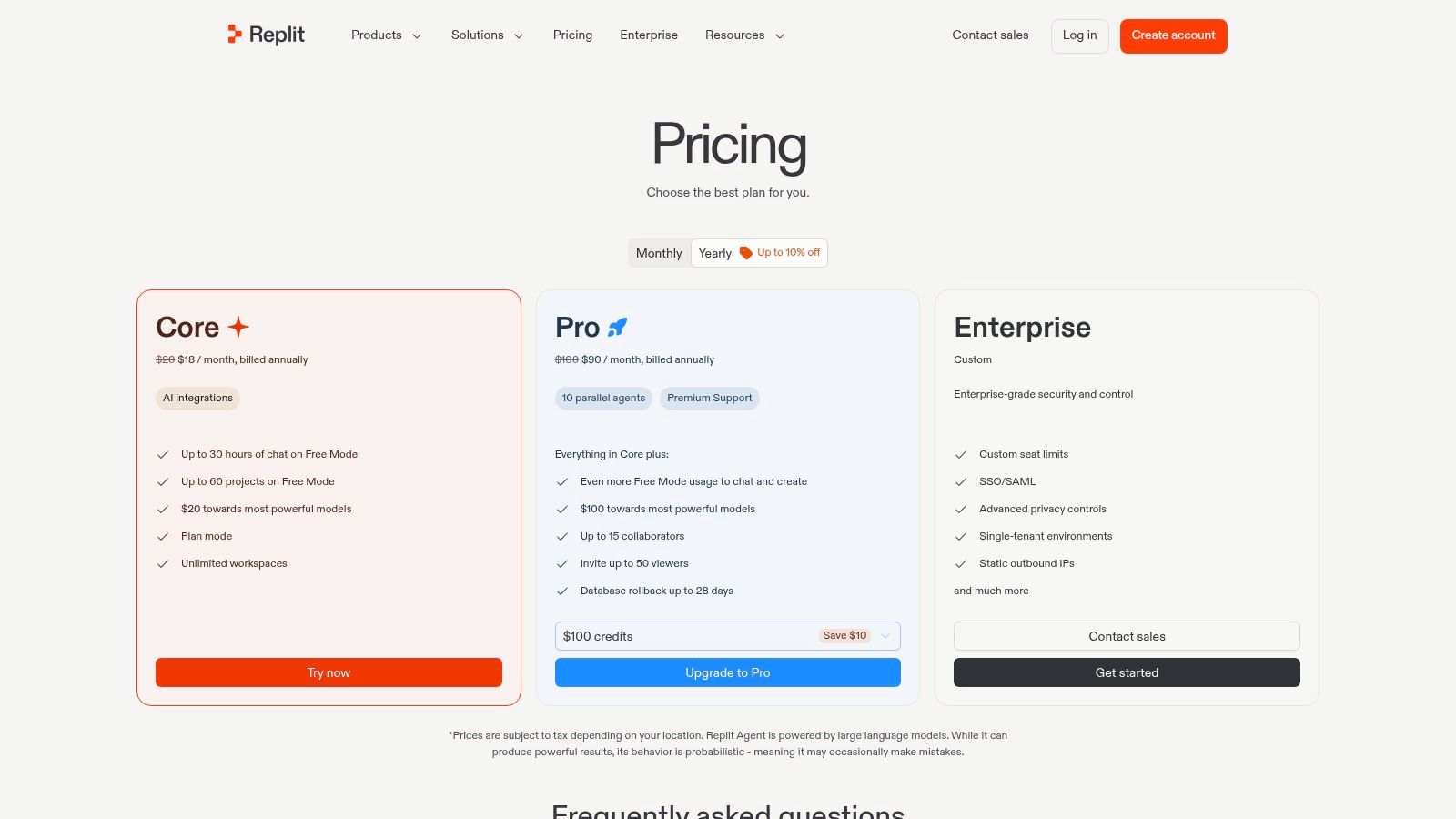
Replit Agent is less about code completion and more about compressing the path from prompt to running app. That distinction matters. If the job is prototyping, wiring up a UI, standing up a small database, and getting something deployable in front of users fast, Replit can remove a lot of setup friction that slows local-first tools. Start with Replit pricing.
The best use case is a narrow one, but it is real. Product engineers validating an idea, founders building the first version themselves, and teams shipping internal tools can get value quickly because the IDE, agent, runtime, and hosting live in one place.
Where it performs well in a workflow:
That convenience creates trade-offs in places mature teams care about. Replit is weaker when the work depends on exact local environment parity, custom infra, tightly controlled CI/CD, or a repository that already has strong conventions and review gates. In those cases, the all-in-one setup can become a constraint instead of an advantage.
Cost control also needs attention early. Usage-based or effort-based systems can feel cheap during a short prototype cycle and much harder to predict once a project turns exploratory, the prompts get messy, or several teammates start iterating at once. Teams adopting Replit usually do better when they define a boundary up front: use it for proof-of-concept work, then decide whether the code graduates into the standard engineering toolchain.
One practical rule helps. Treat Replit Agent as a prototype engine, not your default long-term development environment, unless your team is intentionally standardizing on cloud IDE workflows.
If you're showcasing this kind of work professionally, this article on agentic AI development on your resume is a good next step.

Claude Code is one of the tools I'd reach for when the work needs reasoning more than raw completion speed. It's strong for explanation, docs generation, test writing, and repository discussion. That makes it useful for senior developers doing design-heavy implementation and for teams that need the assistant to explain itself clearly. Pricing and plan choices are outlined at Claude pricing.
Its appeal is also practical: you can use subscriptions or an API-based approach, which gives some teams more direct cost control than bundled seat licenses.
Claude Code is often a better fit than an editor-first autocomplete tool when the task is ambiguous, cross-cutting, or documentation-heavy. If the team values “help me think through this change” as much as “write the code,” Claude Code deserves a close look.
I also like it for test generation, especially when the main challenge is identifying edge cases and turning implementation details into readable test intent. It's not just about output. It's about the quality of the explanation around the output.
The main downside is straightforward. Premium model usage can get expensive if nobody is watching consumption, especially when developers start using the tool as a general-purpose collaborator throughout the day. It's often best in teams that are disciplined enough to choose it for the work it does best instead of routing every coding task through it.
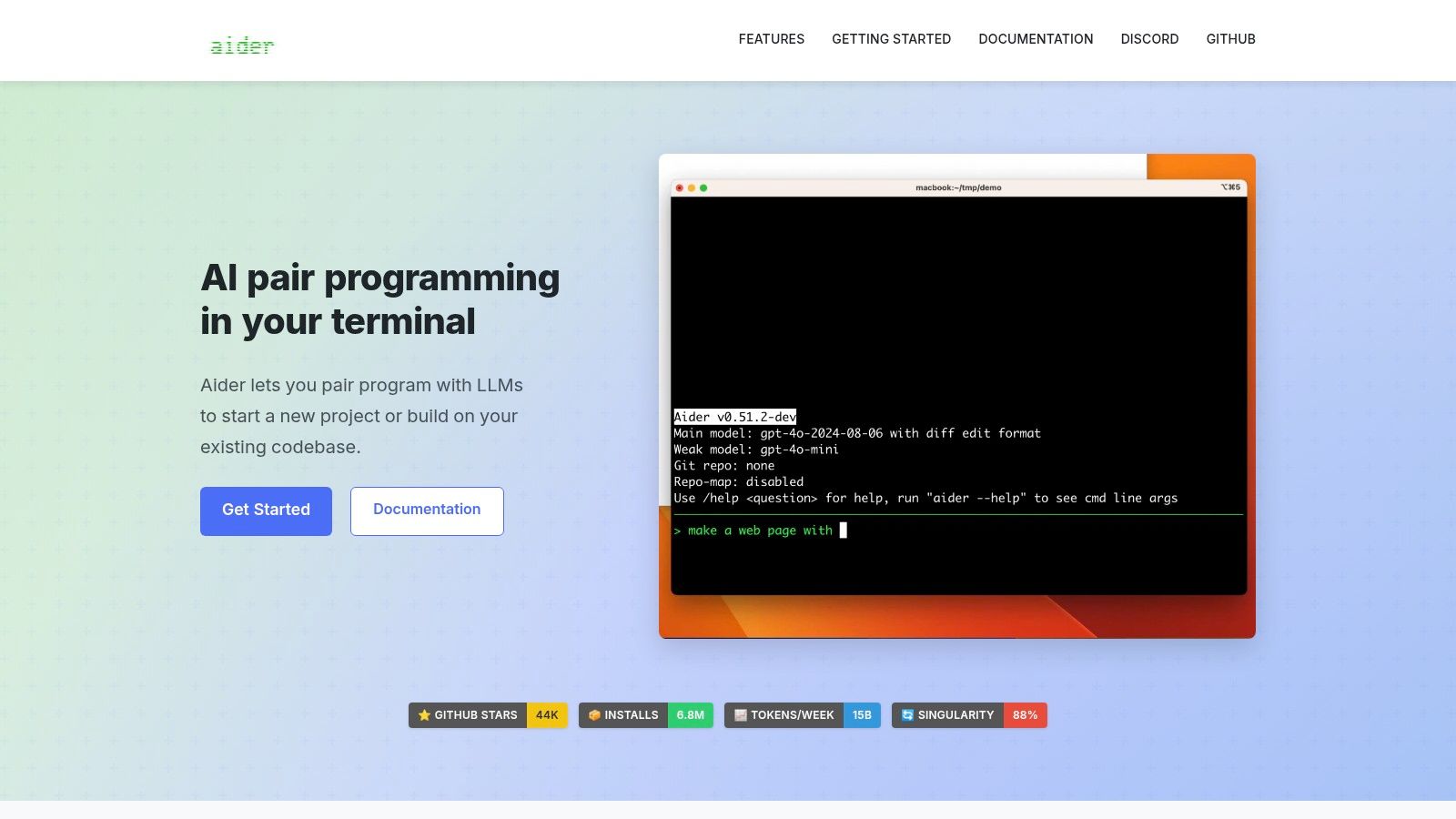
Aider is the most developer-controlled option in this list. It's open source, terminal-first, repo-aware, and built around structured edits and clean Git commits. If you want the flexibility to bring your own model provider, work locally, and keep the workflow transparent, Aider is excellent. The starting point is Aider.
This tool appeals to people who prefer the terminal over a hosted product experience. That's a narrower audience, but it's a serious one.
Aider shines in privacy-sensitive work and in teams that want to mix providers instead of committing to one vendor's full stack. It also suits developers who already think in terms of diffs, commits, and CLI automation.
There's no vendor lock-in in the normal product sense, but there is operational responsibility. You manage model keys, usage, routing choices, and limits yourself. That's freedom, not convenience.
GitHub's billing documentation is a useful reminder of why that matters. Some model pricing is explicitly token-based and time-limited. For example, GitHub documents promotional pricing through the end of 2026 for Gemini Flash variants at $0.75 per 1M input tokens, $0.075 per 1M cached input tokens, and $3.75 per 1M output tokens. If you use terminal-first tools with direct model access, cost literacy stops being optional.
Aider isn't the easiest starting point. It's one of the best options once you know you want control more than polish.
| Tool | Core strength | Key features | Best for | Deployment & pricing | Unique selling point |
|---|---|---|---|---|---|
| GitHub Copilot | GitHub-native inline completions & agents | Inline completions, chat, agentic workflows, broad IDE support | Teams already on GitHub; enterprises | Free tier; paid tiers with higher capacity and agent capabilities | Deep GitHub.com ecosystem integration + mature governance |
| Amazon Q Developer | AWS-integrated pair programmer and migrator | IDE plugins, CLI agents, code transformations, reference tracking | AWS-centric engineering teams, migration projects | Free tier + per-user Pro; pooled LOC quotas; overage billing | Tight AWS Console/toolchain integration and IP indemnity options |
| Google Gemini Code Assist | Google Cloud–centric coding assistant | Integrates BigQuery/Firebase/GKE, Standard & Enterprise editions, admin controls | Google Cloud users and enterprises | Individual/free access; cloud pricing and enterprise SKUs | Centralized Google Cloud management and org-level controls |
| JetBrains AI Assistant | Native JetBrains IDE experience | Chat, refactors, testing support, monthly AI credits, multi-model providers | Developers using JetBrains IDEs and orgs needing admin controls | Free tier; paid plans with credits; org management via JetBrains Central | First-class in-IDE UX with model-provider flexibility |
| Sourcegraph Cody | Repo-wide reasoning via code graph | IDE extensions, web app, large-context Q&A, privacy/retention settings | Large monorepos and enterprises needing whole-codebase reasoning | Enterprise-focused; on-prem/cloud deployment; contact sales | Exceptional whole-repo understanding and code-search integration |
| Cursor | AI-first editor with polished agents | Agent-run commands, repo-aware chat, apply-from-chat, desktop apps | Startup/web/app engineers focused on dev velocity | SaaS with team pooling; advanced features in higher tiers | Smooth agentic workflows inside a dedicated AI editor |
| Tabnine | Enterprise-grade privacy and governance | IDE chat/completions, self-host/VPC, BYO-LLM, compliance features | Security-sensitive orgs and regulated enterprises | Paid enterprise plans; self-host/VPC/air-gapped options; model costs may apply | Strong compliance, deployment flexibility and no compromise on privacy |
| Replit Agent | Cloud IDE + autonomous agent for end-to-end builds | Autonomous scaffolding, testing, deploy; effort-based billing; hosting | Rapid prototyping, hackathons, solo builders, small teams | Effort/credits-based billing; team & spend controls | Fast idea-to-deploy loop with agent-driven app scaffolding |
| Claude Code (Anthropic) | High-quality reasoning and explanations | IDE extensions, repo reasoning, docs & test generation; API support | Teams needing strong reasoning, documentation and test help | Subscription (Pro/Max/Team/Enterprise) or API pay-as-you-go; can be costly at scale | Claude models' strong reasoning and explainability |
| Aider | Open-source, terminal-first repo-aware pair programmer | CLI-first edits as Git commits, multi-LLM support, structured diffs | Privacy-conscious developers and teams preferring BYO models | Free Apache-2.0 OSS; user supplies model/API and pays usage | No vendor lock-in; full transparency and customizable workflows |
The best AI coding tools for developers aren't the tools with the loudest launch cycle. They're the ones that fit how your team ships software. That usually means matching the tool to the dominant bottleneck in the workflow, then deciding whether the review burden and pricing model are acceptable once the novelty wears off.
GitHub-centered teams should usually start with GitHub Copilot because the integration path is short and the governance story is mature. AWS-focused teams should examine Amazon Q Developer, especially if migration and cloud-connected developer tasks matter. Google Cloud organizations should assess Gemini Code Assist. JetBrains shops should prioritize JetBrains AI Assistant before layering in something more generic.
Large repositories and monorepos may justify Sourcegraph Cody because repo reasoning is often the pain point. Agent-focused startup workflows may suit Cursor when speed in the editor matters most. Security-sensitive organizations should evaluate Tabnine for its deployment flexibility and governance posture. Rapid prototypes fit Replit Agent. Reasoning-heavy documentation and testing work can favor Claude Code. Terminal-first, highly customizable workflows can favor Aider.
The adoption pattern matters as much as the product choice. Start with one narrowly defined pilot. Connect it to a representative repository, not a demo app. Set review rules, privacy boundaries, and a simple definition of acceptable use before rollout.
Then measure usefulness in plain engineering terms. Look at accepted changes, rework, and whether the tool reduces or increases debugging and cleanup. If billing includes credits, token pricing, or effort-based usage, monitor that early. A cheap pilot can become an expensive habit if nobody owns spend visibility.
The trust question isn't going away. Stack Overflow's 2024 survey found 76% of respondents were using or planning to use AI tools in development, up from 70% in 2023, while professional developer usage rose from 44% to 62%; ChatGPT was the most-used tool at 82%, GitHub Copilot was at 41%, Google Gemini at 24%, and 81% of developers saw productivity as the top benefit while only 43% trusted AI accuracy and 45% said AI struggled with complex tasks. Stack Overflow's 2025 survey later said 84% of developers use or plan to use AI tools in their development process. Adoption is mainstream. Confidence still needs earned proof.
That's the right standard for selection too. Expand only after developers can explain where the tool helps, where it fails, and what review discipline keeps it useful. If they can't explain the limits, the rollout is too early. For a broader look at the ecosystem around these products, IndieTool's directory site list for AI tools is a helpful companion.
If you're building teams around AI-assisted engineering, Underdog.io helps you reach startup-ready engineers who can work effectively with tools like Copilot, Cursor, Claude Code, and Aider without treating them as autopilot. It's a strong place to find developers who can ship fast, review carefully, and adapt to the workflow trade-offs that matter once AI coding tools move into production.