A standout product design portfolio is more than a gallery of your best work; it’s a strategic tool that tells a story of your problem-solving capabilities, design process, and impact. For designers targeting roles at high-growth startups and tech companies, a portfolio must quickly communicate value, demonstrating not just what you created, but why you created it and the measurable results it achieved. It's your primary tool for getting noticed by hiring managers who need designers capable of driving business outcomes.
This guide moves beyond generic advice to provide a tactical breakdown of excellent product design portfolio examples. We will dissect portfolios built on various platforms, from dedicated builders like UXfolio to versatile tools like Webflow, to show you how top designers structure their case studies, articulate their design decisions, and showcase their unique value proposition. Each example includes a detailed analysis, strategic insights, and actionable takeaways you can apply directly to your own work.
You will learn how to:
To gather more ideas and see how professionals present their work, explore these inspiring web design portfolio examples as well. Our focus here is on deconstructing what makes a product design portfolio successful in a competitive job market. We'll explore Behance, Dribbble, UXfolio, and more, providing screenshots and direct links so you can see these principles in action. Let's get started.
Behance, Adobe's flagship creative network, is an essential resource for anyone seeking a vast and diverse collection of product design portfolio examples. It's less a single portfolio and more a massive, searchable gallery where designers showcase their latest work. This scale makes it an unparalleled platform for discovering current design trends, case study structures, and presentation styles directly from the source.
For designers building a portfolio, Behance is a living library of inspiration. You can filter projects by creative fields like "UI/UX" or "Product Design," tools used (like Figma or Adobe XD), and even color palettes. This powerful discovery engine allows you to zero in on portfolios that align with the specific industry or startup you're targeting.
What makes Behance practical is its sheer volume and real-time nature. Unlike static portfolio-builder sites, Behance is a dynamic community where new work is published daily. This provides an up-to-the-minute look at how top designers are framing their work, from initial problem statements to final UI mockups and measurable outcomes. The platform’s integration with Adobe Creative Cloud also means many professionals use it as their primary, actively updated portfolio hub.
Actionable Insight: Use Behance not just for visual inspiration, but to reverse-engineer how successful designers structure their case studies. Find 3-5 projects you admire and map out their narrative flow. Note how they articulate the problem, their specific role, the process, and the impact of their work. This is a crucial skill for design interviews, which focus heavily on process and storytelling.
While the free version is robust, Behance Pro offers features like advanced project analytics and password protection. The primary drawback is the signal-to-noise ratio; its open nature means you'll need to use filters effectively to sift through the vast amount of content to find high-quality, relevant case studies.
Website: https://www.behance.net
Dribbble is a premier online community where designers showcase, discover, and connect over creative work. While often known for its "shots" of visually polished UI, it has evolved into a powerful platform for finding high-quality product design portfolio examples, especially those with a strong emphasis on interaction design and visual craftsmanship. For designers, it’s a go-to source for inspiration on UI components, animation, and current visual trends.
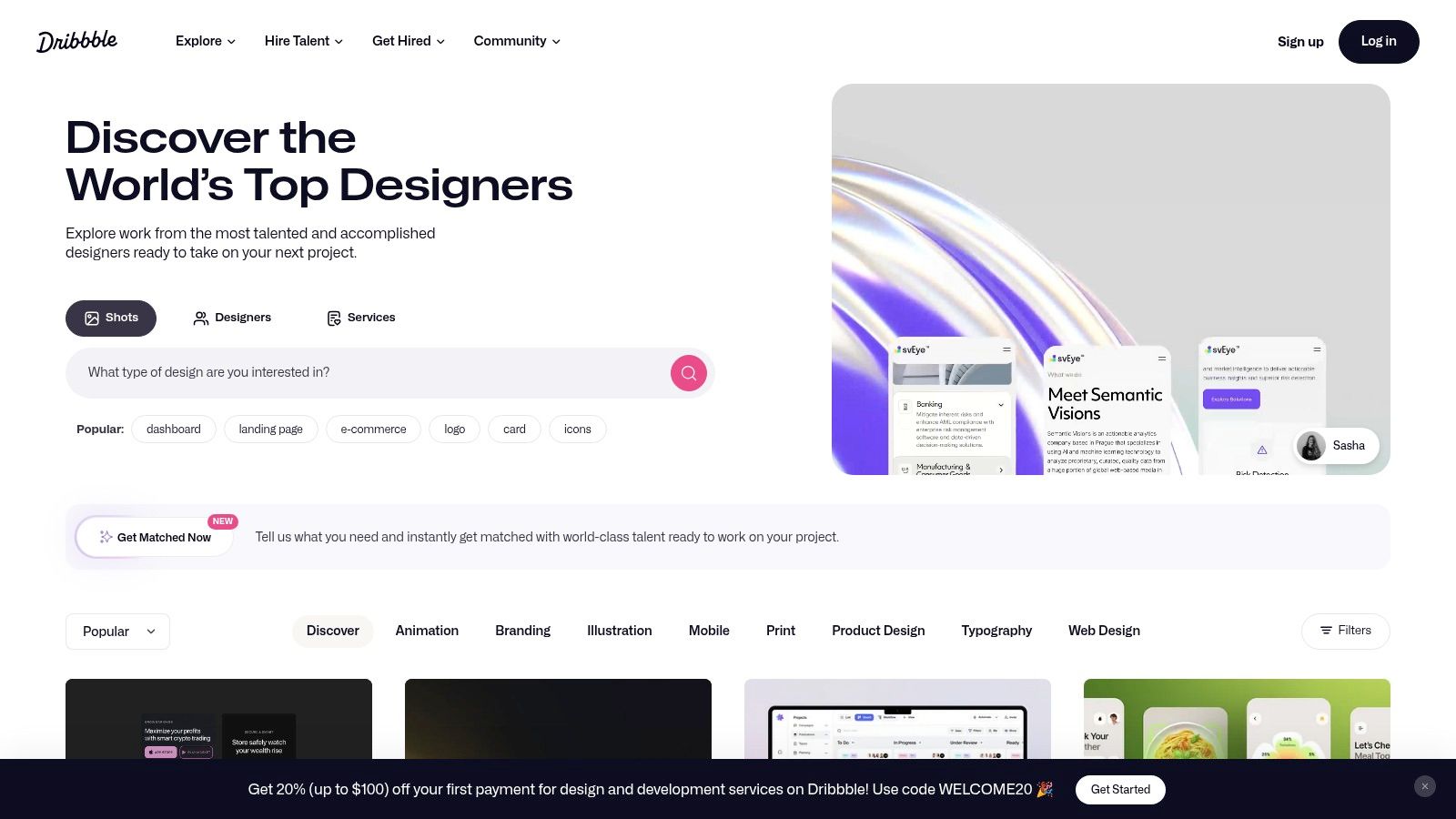
Unlike platforms focused solely on exhaustive case studies, Dribbble excels at presenting digestible, multi-shot projects. This format allows hiring managers to quickly absorb key screens, user flows, and interaction patterns. Its integrated hiring marketplace also makes it a critical tool for freelancers and full-time job seekers. By showcasing your work, you can directly attract opportunities from the many companies that use Dribbble for hiring a product designer.
Dribbble's strength lies in its focus on craft and visual execution. While Behance often hosts long-form, comprehensive case studies, Dribbble encourages designers to share the most impactful and polished aspects of their projects. This makes it an invaluable resource for refining the visual presentation of your portfolio. You can study how top-tier designers use color, typography, and motion to create compelling user interfaces and then apply those learnings to your own case study mockups.
Actionable Insight: Use Dribbble to elevate the visual storytelling in your portfolio. Don't just look at the final UI; analyze the "Rebounds" and multi-shot series to see how designers iterate and present their process. For your next project, create a Dribbble shot that shows a screen's evolution from low-fidelity wireframe to high-fidelity mockup. This demonstrates process, not just polish.
Dribbble offers a free tier, but its most powerful features for lead generation and visibility are part of its Pro plans. A key drawback is that the focus on visuals can sometimes overshadow deep, strategic problem-solving. To counter this, ensure your Dribbble profile links back to a personal website where you can host more detailed, process-oriented case studies.
Website: https://dribbble.com
UXfolio is a purpose-built portfolio platform designed specifically for the needs of UX, UI, and product designers. Instead of offering generic website templates, it provides a guided experience with structured layouts and writing prompts tailored for creating compelling case studies. This focus makes it an excellent tool for designers who want to build high-quality product design portfolio examples without getting bogged down in the complexities of a general-purpose site builder.
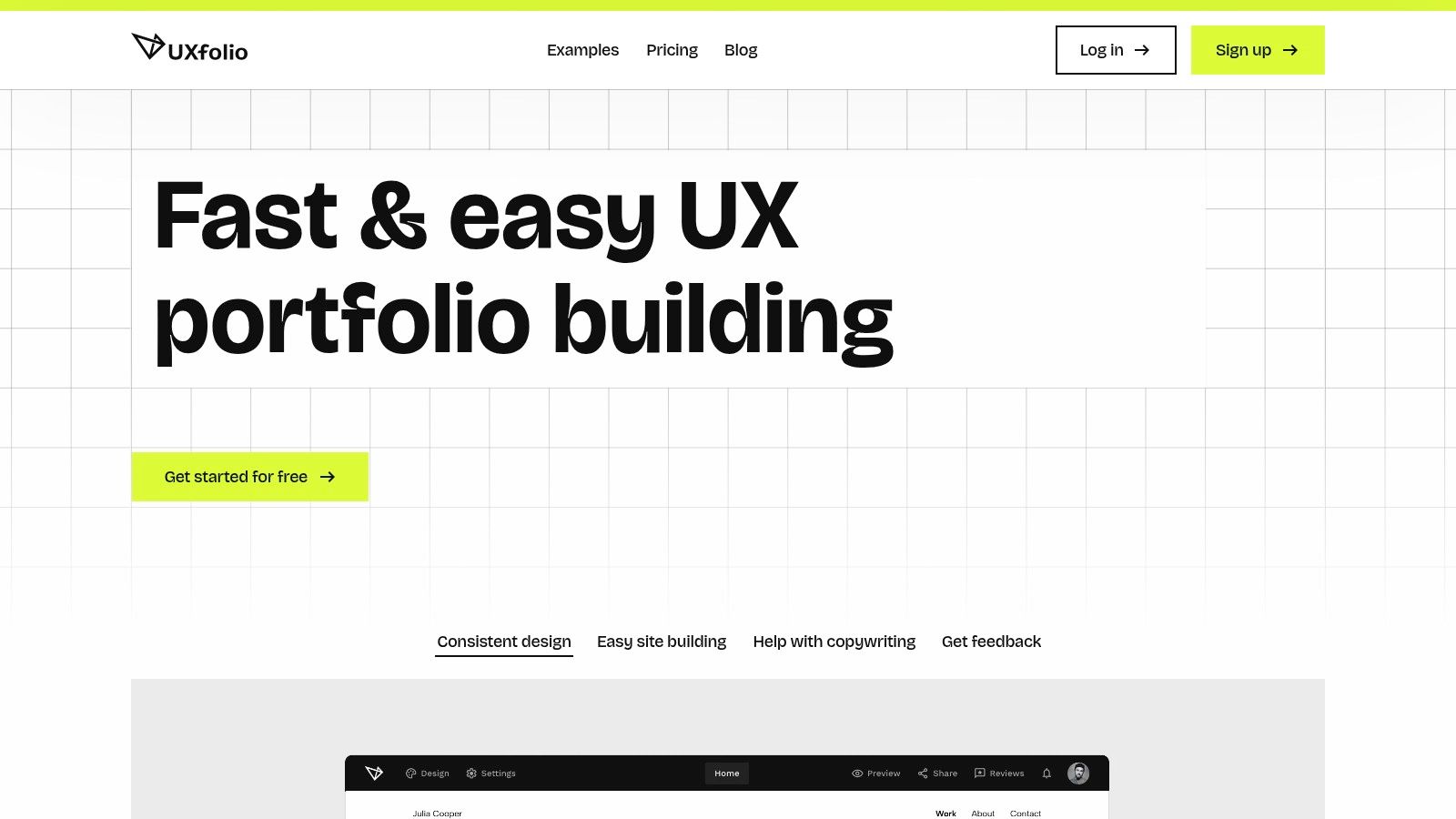
For designers building their first portfolio or refining an existing one, UXfolio's main advantage is its structured, story-first approach. The platform guides you through the process of articulating your design journey, from problem definition to final solution, ensuring all critical elements of a strong case study are included. This makes it particularly valuable for those aiming to present their work clearly and professionally to hiring managers.
UXfolio's practical value comes from its prescriptive, UX-centric framework. The platform's templates and built-in prompts are based on what recruiters and hiring managers look for in a product design portfolio. This built-in guidance helps you avoid common pitfalls, like focusing too much on final visuals without explaining the strategic thinking behind them. The curated gallery of portfolios built with the tool also provides a wealth of inspiration from working professionals.
Actionable Insight: Use UXfolio’s built-in case study prompts to audit your own projects. Even if you build your portfolio on another platform, go through its guided questions. If you can't clearly answer prompts about user research, ideation, and the "why" behind your design decisions, that's a sign your case study narrative has a gap that needs filling.
UXfolio offers a free plan to build a single portfolio with one case study. Paid plans unlock features like custom domains, password protection, and analytics. While it offers fewer visual customization options than a general site builder like Webflow, its specialization is its strength, helping you craft a strategically effective portfolio faster.
Website: https://uxfol.io
Webflow is a powerful no-code website builder that has become a favorite tool for designers who want full creative control without writing code. For those seeking product design portfolio examples, Webflow offers a dual benefit: a marketplace of professionally designed templates and an active community Showcase where designers feature their live, custom-built portfolios. This combination makes it a unique resource for both inspiration and practical application.
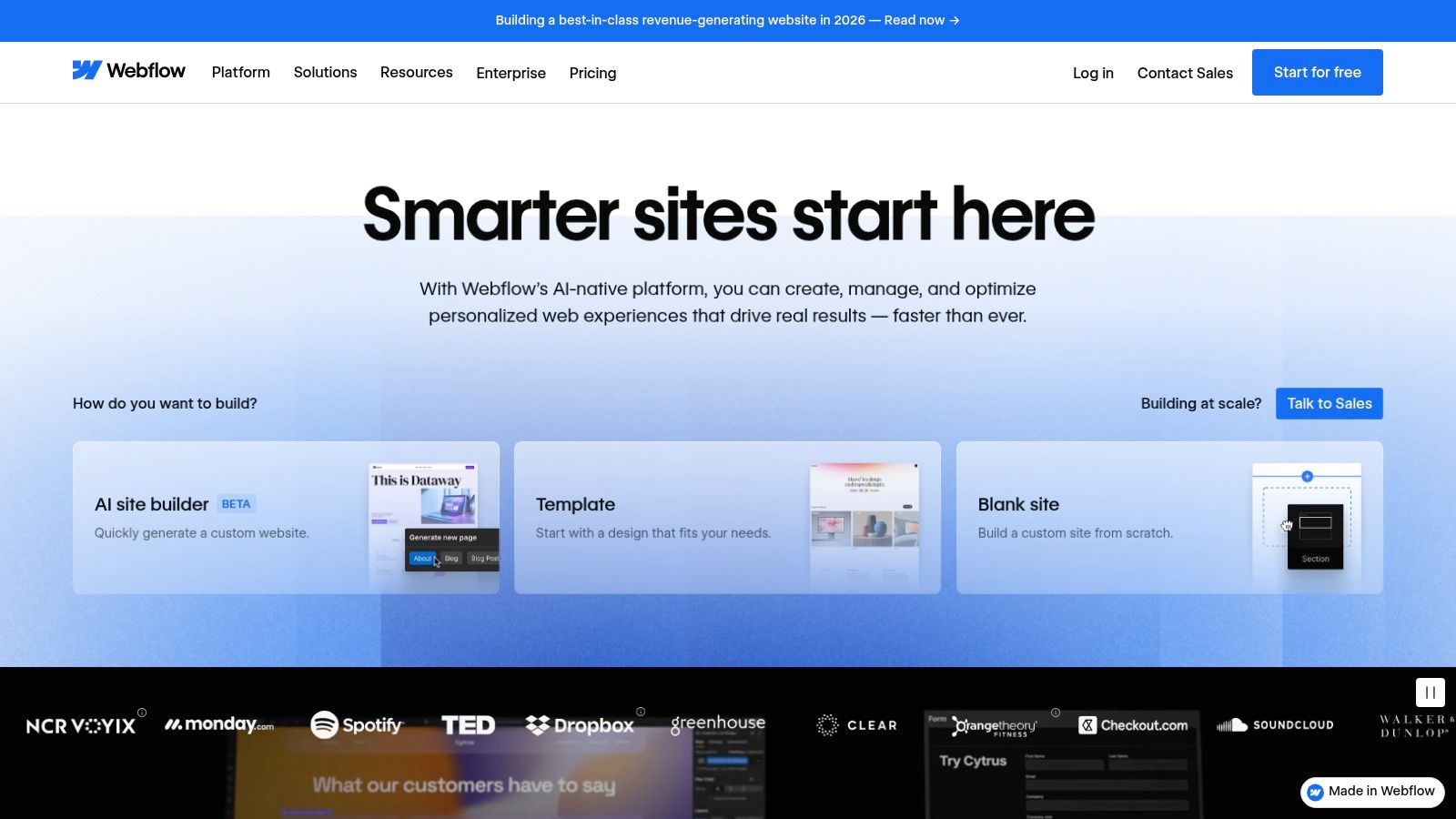
Unlike static platforms, Webflow allows designers to build portfolios with rich interactions, custom animations, and CMS-driven case studies. This means you can create a dynamic and memorable experience for hiring managers. For those short on time, the template marketplace provides a high-quality starting point that can be customized to fit a personal brand.
Webflow’s key differentiator is its focus on production-quality websites. The "Made in Webflow" Showcase isn't just a gallery of mockups; it’s a collection of live, functioning portfolios. This allows you to study not only the visual design and case study structure but also the user experience, page load speeds, and responsive behavior of the portfolios themselves. You can see precisely how designers are using micro-interactions and scroll-based animations to guide the narrative of their projects.
Actionable Insight: Use the Webflow Showcase to study how designers implement CMS-driven case studies. A CMS allows you to create a single template for all your projects, ensuring consistency and making it incredibly fast to add new work. Build a simple CMS for your own portfolio with fields like: "Problem Statement," "My Role," "Key Metrics," and "Final Outcome." This structure is highly valued as it demonstrates an understanding of scalable design.
While templates offer a fast track, Webflow's pricing model separates template costs (a one-time purchase) from the ongoing hosting fees. The platform also has a steeper learning curve than simple drag-and-drop builders. However, the investment in learning Webflow pays dividends by enabling a truly custom and professional online presence that showcases your interaction design skills.
Website: https://webflow.com
Creative Market is not a direct gallery of portfolios but an essential marketplace for the tools needed to build them. It offers a massive collection of high-quality digital assets, including website templates and UI kits, making it a critical resource for designers who want to create professional product design portfolio examples without starting from scratch. Instead of just providing inspiration, it provides the building blocks.
For designers focused on execution and efficiency, Creative Market accelerates the portfolio creation process. You can find pre-built templates for platforms like WordPress and Showit, or sophisticated case study kits for Figma. This allows you to focus your energy on crafting compelling content and storytelling, rather than on the foundational design and development of your portfolio site.
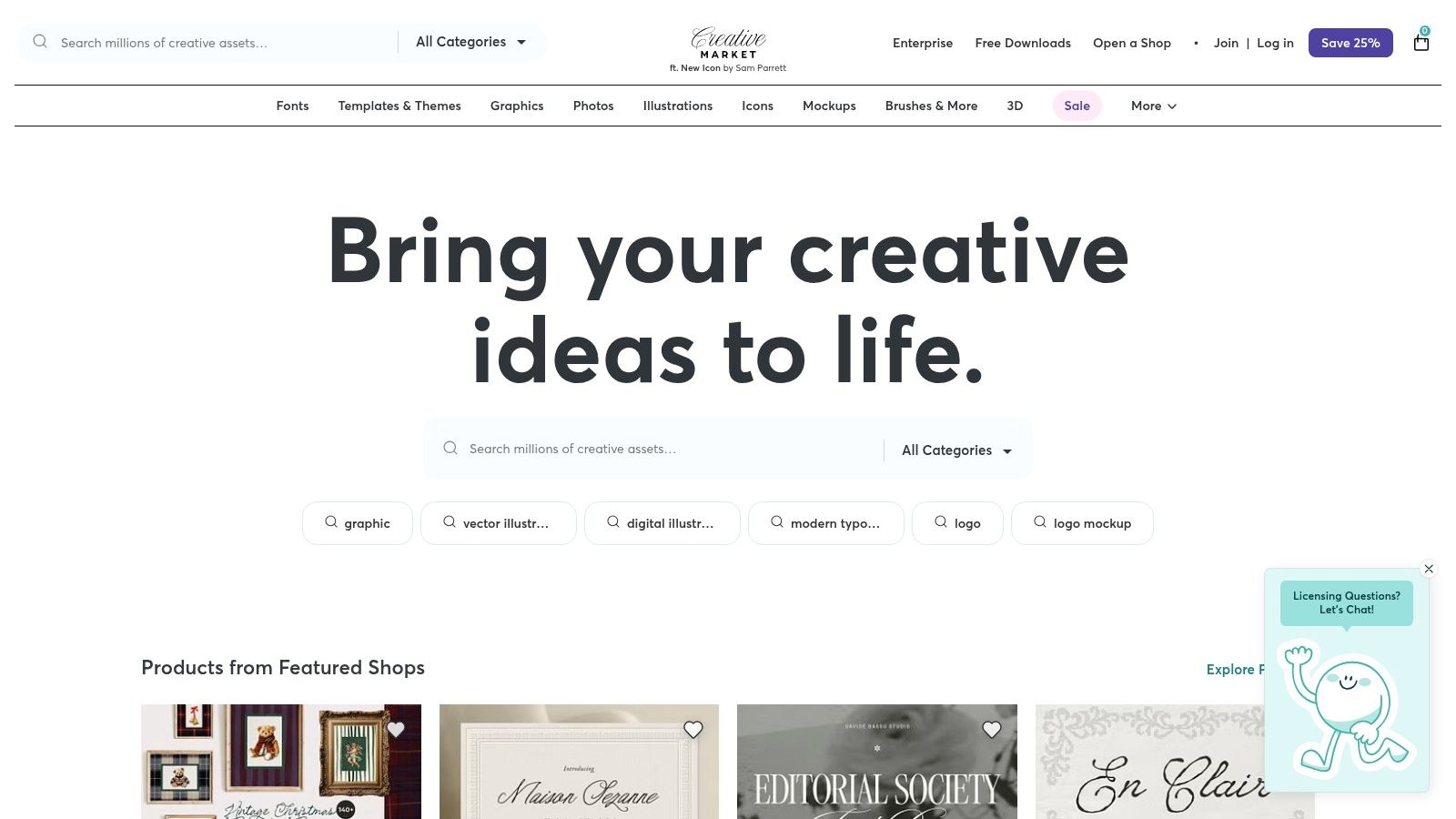
Creative Market's practical value lies in its combination of quality, variety, and speed. While platforms like Behance offer inspiration, Creative Market provides the tangible assets to act on that inspiration immediately. It bridges the gap between seeing a great portfolio and building your own. You can find templates tailored to specific aesthetics, from minimalist startup styles to bold, agency-level presentations. The one-time purchase model is also a major advantage for designers who want to own their assets without a subscription.
Actionable Insight: Use Creative Market to find a "case study system" rather than just a website template. Search for Figma UI kits specifically designed for creating case studies. These kits often include pre-designed components for problems, solutions, user flows, and metrics, ensuring your project narratives are visually consistent and professional. This saves dozens of hours of design time.
Assets on Creative Market are sold individually, with prices set by the creators. The primary challenge is that quality can vary, so it's crucial to read reviews, check seller ratings, and thoroughly examine product demos before purchasing. Additionally, web templates often require you to arrange for your own hosting and domain.
Website: https://creativemarket.com
Gumroad is a unique entry on this list, functioning not as a portfolio hosting platform but as a creator marketplace. It's an essential resource for designers looking to fast-track their portfolio creation process by purchasing pre-built templates, frameworks, and guides. For those struggling with where to start or how to structure their work, Gumroad offers a wealth of product design portfolio examples in the form of editable kits.
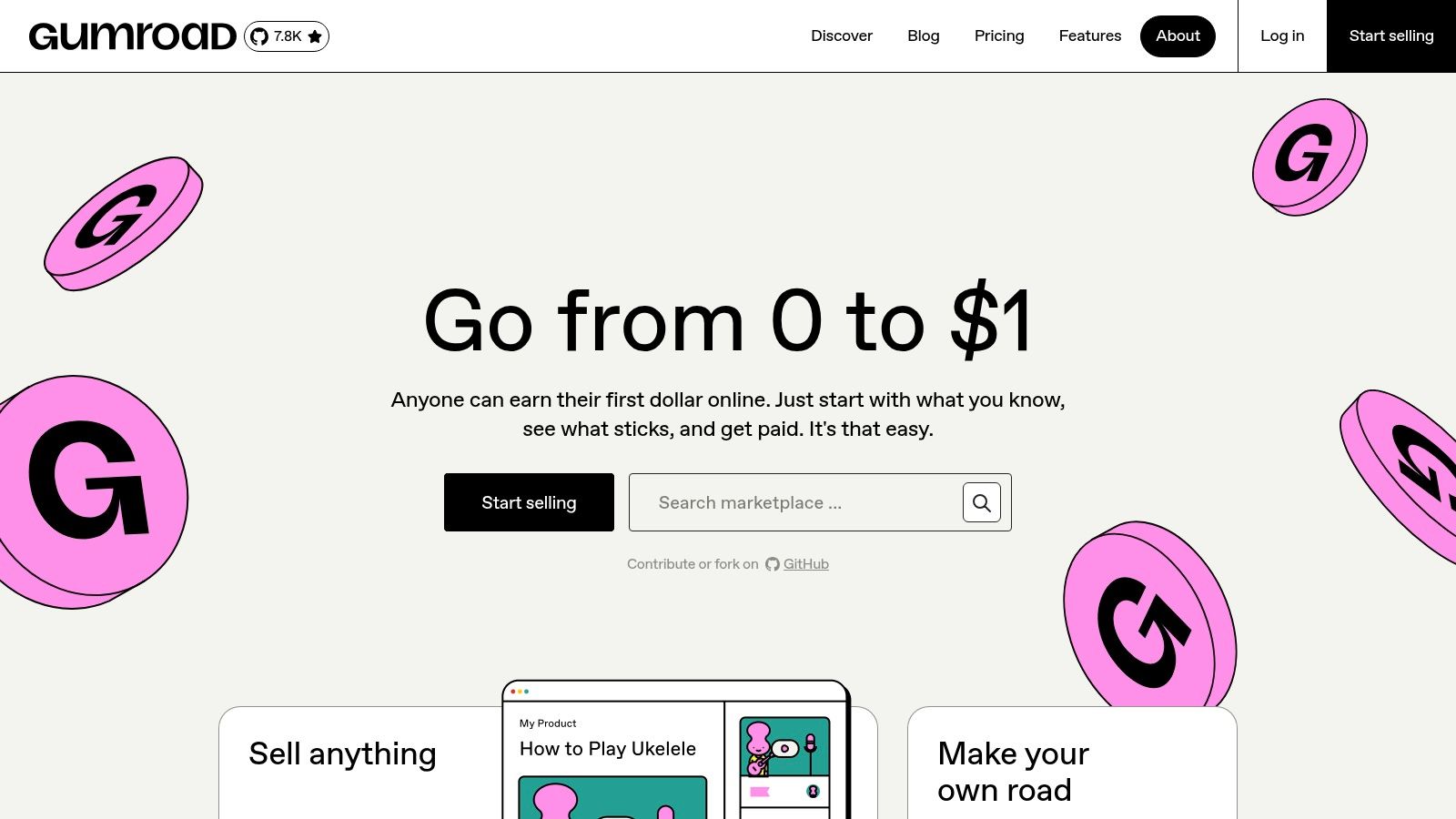
This platform provides direct access to the tools and mental models that successful designers use. You can find everything from comprehensive Notion case study templates that guide your writing process to polished Figma portfolio presentation kits that handle the visual design. These resources are created by experienced designers and are often very affordable, making professional-grade structure accessible to everyone.
Gumroad’s value is its focus on process acceleration and structured storytelling. Instead of just showing you a final portfolio, it sells you the very scaffold used to build it. This is invaluable for designers who excel at their craft but find it challenging to articulate their process in a compelling narrative. By leveraging a template, you can focus on the substance of your work rather than getting bogged down by layout and formatting decisions.
Actionable Insight: Use Gumroad to purchase a high-quality case study template (in Notion or Figma) before you start writing. This forces you to think within a proven storytelling structure, ensuring you cover key elements like the problem, hypothesis, research, iteration, and outcomes. This is a small investment that can save you hours of work and significantly improve your narrative.
The main benefit of Gumroad is its affordability and the immediate availability of tools that solve a common pain point: portfolio paralysis. However, the quality can vary, so it's crucial to review previews and ratings carefully. Remember, Gumroad is a marketplace for assets, not a hosting platform; you will still need to publish your finished portfolio on a site like Webflow, Framer, or Adobe Portfolio.
Website: https://gumroad.com
Bestfolios is a highly curated gallery specifically designed to showcase top-tier product design portfolio examples. Unlike broad platforms like Behance, it acts as an editorial index, hand-picking and categorizing standout portfolios from designers at leading tech companies and innovative startups. This focused curation makes it an incredibly efficient resource for understanding what a "great" portfolio looks like right now.
For designers building their own portfolios, Bestfolios provides an immediate benchmark for quality and structure. The site organizes examples by discipline (Product, UX, UI), seniority, and even features tear-downs and roundups of the best portfolios of the year. This allows you to quickly compare how a Senior Product Designer at a FAANG company presents their work versus a designer at an early-stage startup.
What makes Bestfolios so practical is its editorial curation and focus on quality over quantity. Instead of a massive, unfiltered feed, it provides a "best of" compilation that saves you hours of searching. The editors identify recurring patterns and modern trends in portfolio storytelling, helping you understand not just what to show, but how to show it to impress recruiters and hiring managers at high-growth companies.
Actionable Insight: Use Bestfolios to benchmark the depth and narrative quality of your case studies against the industry's best. Find 2-3 portfolios of designers from companies you admire. Analyze how they frame their problem statements and articulate business outcomes. This is your cheat sheet for aligning your portfolio with the expectations of top-tier employers.
Bestfolios is completely free to use as an inspirational resource. Its main limitation is that it's a gallery, not a builder; you cannot host your portfolio on the site. Additionally, while the content is generally current, some older roundups might feature styles that are no longer in vogue, so it's best to focus on the most recent collections.
Website: https://www.bestfolios.com
We've explored a diverse landscape of tools and platforms, from the visual showcases on Dribbble and Behance to the structured case study builders like UXfolio and the limitless creative freedom of Webflow. Each of the product design portfolio examples analyzed throughout this guide demonstrates a fundamental truth: your portfolio is not just a gallery of past work. It is your most important product, and you are its lead designer, strategist, and marketer.
Treating it as such means designing with intent. The strongest portfolios don't simply display beautiful UIs; they communicate a designer's unique value proposition. They tell a compelling story about how you identify problems, navigate constraints, collaborate with teams, and, most importantly, deliver measurable business impact. This is the common thread connecting the most effective portfolios, regardless of the tool used to build them.
As you create or refine your own portfolio, remember these key strategic pillars. These principles form the foundation of a portfolio that gets you noticed by hiring managers at leading startups and tech companies.
The "best" tool is the one that best serves your story and skills. Your choice should be a strategic one, balancing speed, customization, and the type of role you're targeting.
Ultimately, the tool is a means to an end. The most crucial factor is the clarity and impact of your content. A simple, well-written case study on a basic template will always outperform a visually stunning but strategically empty portfolio. The best product design portfolio examples masterfully blend substance with style, ensuring the design serves the story, not the other way around. Your goal is to leave a hiring manager with zero doubt about your ability to solve their company's most challenging problems.
Ready to put your newly polished portfolio in front of top startups in NYC, San Francisco, and beyond? Skip the endless applications and let the opportunities come to you. Underdog.io connects talented designers like you with innovative companies actively hiring for their next key role. Join Underdog.io for free and get matched with curated opportunities that align with your skills and career goals.