Your resume is the first line of code a hiring manager reads about you. In a competitive market, a generic, task-based resume gets archived faster than a deprecated library. This guide moves beyond abstract advice to provide actionable software engineer resume examples and practical templates engineered to resonate with high-growth tech companies.
We will dissect what makes a resume stand out, moving from a simple list of responsibilities to a compelling narrative of your technical achievements. Through practical 'before-and-after' rewrites, you will learn how to frame your experience with impact-driven language that speaks directly to startup values like ownership, scalability, and results. This article breaks down resume strategies for every stage and specialty, from junior to senior, backend to DevOps, and individual contributor to engineering manager.
Our focus is on providing replicable tactics to build a resume that not only passes Applicant Tracking Systems (ATS) but also captures the attention of the human reviewers who make the final call. We will examine how platforms like Underdog.io, which connects top talent with curated startup roles, prioritize candidates who clearly articulate both their technical contributions and their direct business impact. Think of this as your playbook for crafting a resume that doesn't just list what you did, but proves the value you can deliver. To kickstart your resume creation, explore these general professional resume template examples before we dive into the specialized software engineering formats that follow.
Resume.io is a streamlined, web-based resume builder designed for speed and professional polish. It stands out by offering a curated selection of modern, ATS-friendly templates alongside a guided editing experience, making it an excellent starting point for software engineers who need to create a high-quality resume quickly without getting bogged down in formatting details. The platform is particularly useful for generating a strong first draft that you can then refine and tailor for specific startup roles.
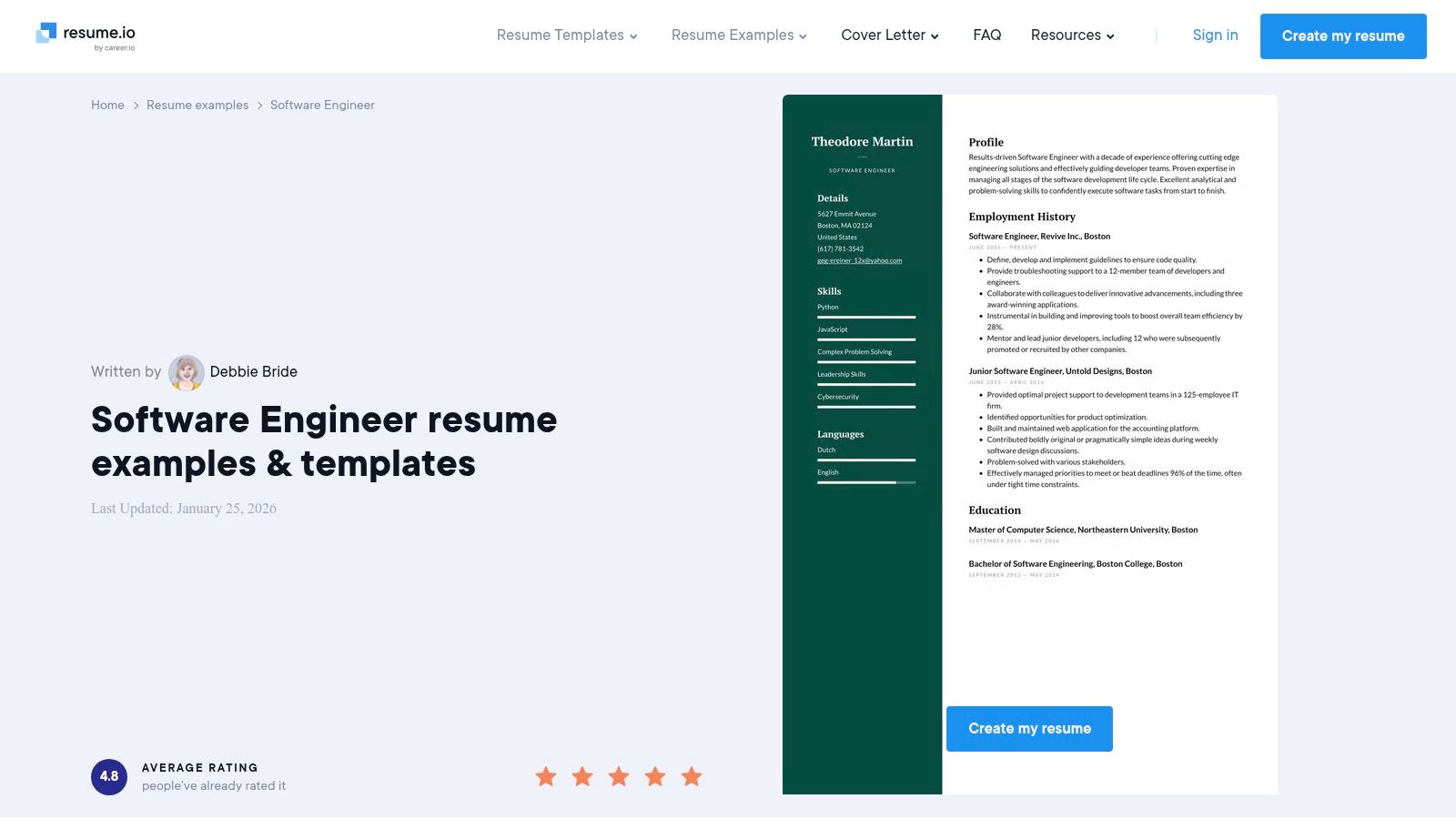
The platform’s dedicated software engineer resume examples page provides a significant advantage. Instead of starting from a blank page, you can select a pre-written, role-specific example and edit it directly. This approach not only saves time but also provides a solid structural foundation, ensuring you include the right sections and information from the outset. For a deeper dive into what makes a tech resume truly effective, our guide on how to write a tech resume offers advanced strategies that you can apply to the templates you find here.
The user interface is clean and intuitive. The step-by-step editor walks you through each section of your resume, from contact information to your work experience and skills. This guided process helps prevent common mistakes and ensures your final document is comprehensive and logically structured.
Resume.io operates on a freemium model. You can create a resume for free, but downloading it requires a premium subscription. They offer a 7-day trial for a small fee, which unlocks full access to all features, including unlimited downloads.
Actionable Insight: Use the 7-day trial period to create multiple tailored versions of your resume for different roles (e.g., one for a backend role, one for a full-stack role). Download them all as PDFs before the trial ends, and set a calendar reminder to cancel the subscription on day 6.
Website: https://resume.io/resume-examples/software-engineer
Novorésumé is a popular online resume builder that excels in providing in-depth writing guidance alongside a collection of polished, single-page templates. It stands out by combining a clean, user-friendly editor with comprehensive advice specifically for technical roles, making it ideal for software engineers who want to understand the "why" behind resume best practices. The platform is particularly strong for engineers who appreciate structured guidance and want to create a visually appealing, one-page document that resonates with startup hiring managers.
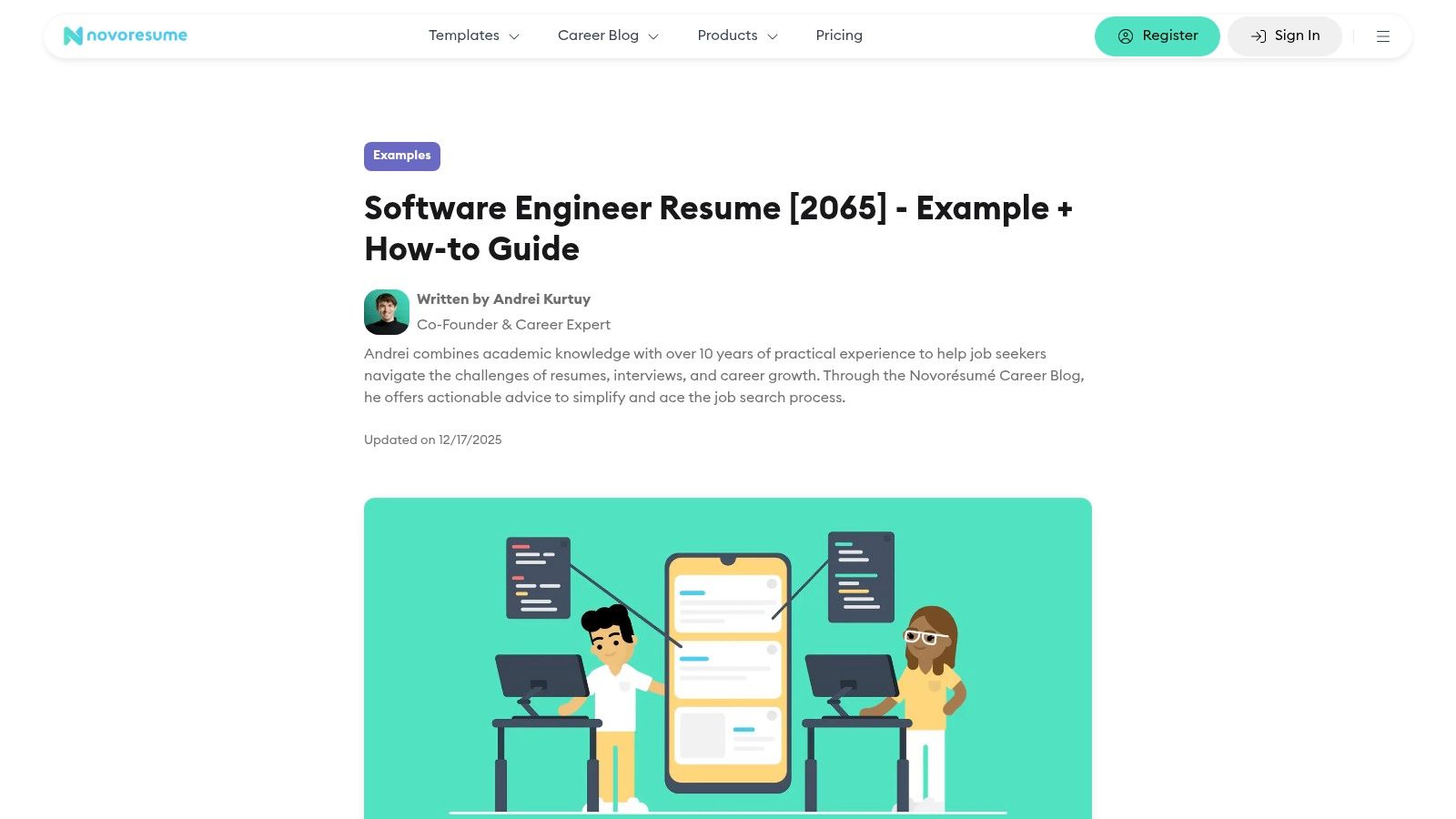
The platform's software engineer resume examples are integrated within a detailed career blog, which offers a full guide on what to include, what to avoid, and how to phrase achievements. This content-first approach helps you craft stronger bullet points before you even start building the document. By learning the principles of effective resume writing first, you can ensure your final product is not only well-designed but also compelling, a key step in learning how to get a software engineering job in a competitive market.
Novorésumé's interface is intuitive, balancing creative design with professional standards. The editor allows for real-time previews, so you can see how your content fits within the chosen template as you type. This immediate visual feedback helps maintain a clean, single-page format, which is highly valued in the fast-paced startup environment.
Novorésumé uses a freemium model with a flexible payment structure for its premium features. The free tier allows you to create a one-page resume but has limitations on customization, layouts, and downloads. The premium plan unlocks all templates and features, and notably, it offers one-time payment options for specific periods (e.g., one month, three months) rather than forcing users into an auto-renewing subscription.
Actionable Insight: Purchase the one-month premium plan at the start of an active job search. This gives you full access to create multiple resume versions without worrying about a recurring monthly charge after you've landed a role. It's a small investment for a big advantage.
Website: https://novoresume.com/career-blog/software-engineer-resume
Zety is a comprehensive resume builder known for its extensive library of examples and built-in content suggestions. It excels at helping software engineers quickly generate tailored resumes for specific sub-disciplines like DevOps, cloud engineering, or senior-level roles. The platform uses a guided, step-by-step process, providing pre-written, copy-and-paste text templates that significantly reduce the time spent on drafting. This makes it an ideal tool for engineers who need to create multiple, highly targeted resume versions for different startup applications.
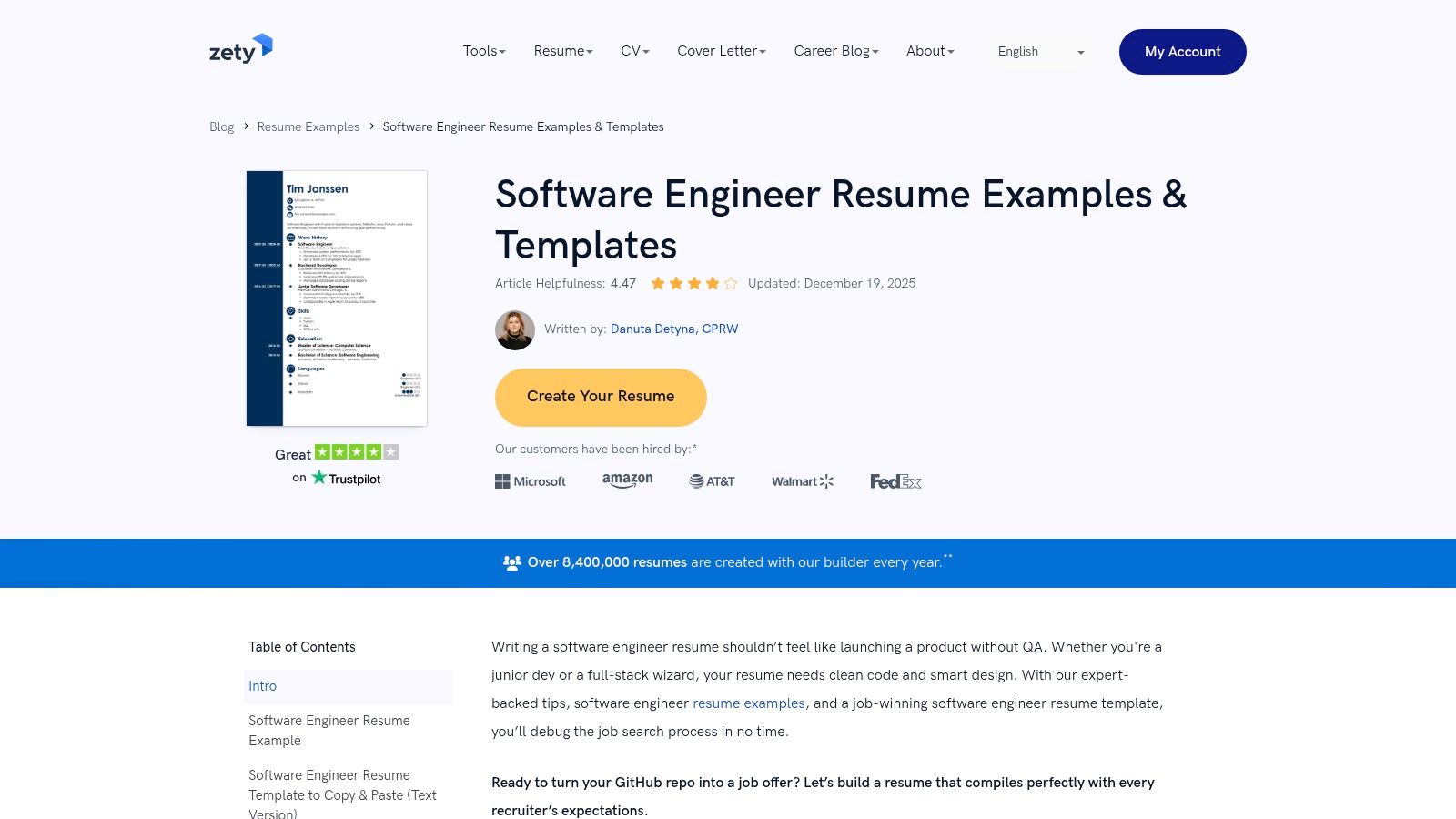
The platform’s collection of software engineer resume examples is its core strength. Instead of just one generic template, Zety offers distinct variants for entry-level, senior, and specialized roles. This allows you to select a foundation that closely matches your target position and then use the integrated content suggestions to populate sections with relevant skills and accomplishments. For engineers looking to translate their technical achievements into compelling, impact-driven bullet points, our guide on structuring a software engineer resume provides a perfect complement to Zety’s builder.
Zety's interface is designed for efficiency, guiding you through each section with clear instructions and helpful tips. The process feels less like writing from scratch and more like assembling a professional document from expert-approved components.
Zety operates on a subscription model. You can build your resume for free to see the final result, but downloading or exporting the document requires a paid plan. They typically offer a trial period for a small fee, which grants full access to all features.
Actionable Insight: Use Zety's content suggestions as a starting point, not the final product. Select a suggested bullet point, then immediately ask yourself: "How can I add a specific number or outcome to this?" For example, turn "Developed REST APIs" into "Developed 12 REST API endpoints for a new payments module, which processed over $500K in transactions in the first quarter."
Website: https://zety.com/blog/software-engineer-resume
Canva is a massive design platform known for its user-friendly, drag-and-drop editor, but it has also become a powerful tool for creating visually appealing resumes. It stands out with a vast library of templates, many of which are community-made for tech and software engineering roles. This makes it an excellent choice for engineers who want to quickly customize a resume and create a cohesive set of personal branding assets like cover letters or a one-page portfolio.
While not a dedicated resume builder, Canva’s strength lies in its versatility and ease of use. You can find a professional layout, adapt it to your brand, and produce a high-quality document in minutes. The platform also offers guides on professional layouts and fonts, helping you maintain a polished look. For software engineers looking for software engineer resume examples with more creative flair, Canva provides a great starting point for inspiration and fast execution.
Canva’s interface is famously intuitive, making it accessible even to those with no design experience. The drag-and-drop editor allows for quick modifications, from changing fonts and colors to rearranging entire sections. This flexibility is a significant advantage for engineers who want granular control over their resume's appearance.
Canva offers a robust free plan that includes access to a large selection of templates and design elements. Many high-quality resume templates are available at no cost. For access to premium templates, stock photos, and advanced features like Brand Kit and Magic Resize, a Canva Pro subscription is required, which is available on a monthly or annual basis.
Actionable Insight: To ensure ATS compatibility, search for "minimalist software engineer resume" within Canva's templates. Stick to simple, single-column layouts. If you find a two-column design you love, simplify it by manually removing all graphic elements (like icons and progress bars) and ensuring the text flows in a single, logical column before exporting as a "PDF - Standard".
Website: https://www.canva.com/resumes/templates/
Overleaf is a collaborative, cloud-based LaTeX editor that has become a go-to for software engineers who value precision, control, and a minimalist aesthetic in their resumes. Unlike visual builders, Overleaf uses code (LaTeX) to generate documents, resulting in perfectly formatted, lightweight, and highly scannable PDFs. It's favored by technical professionals who appreciate that the final output is as clean and efficient as well-written code, making it an excellent choice for impressing hiring managers at startups and established tech firms alike.
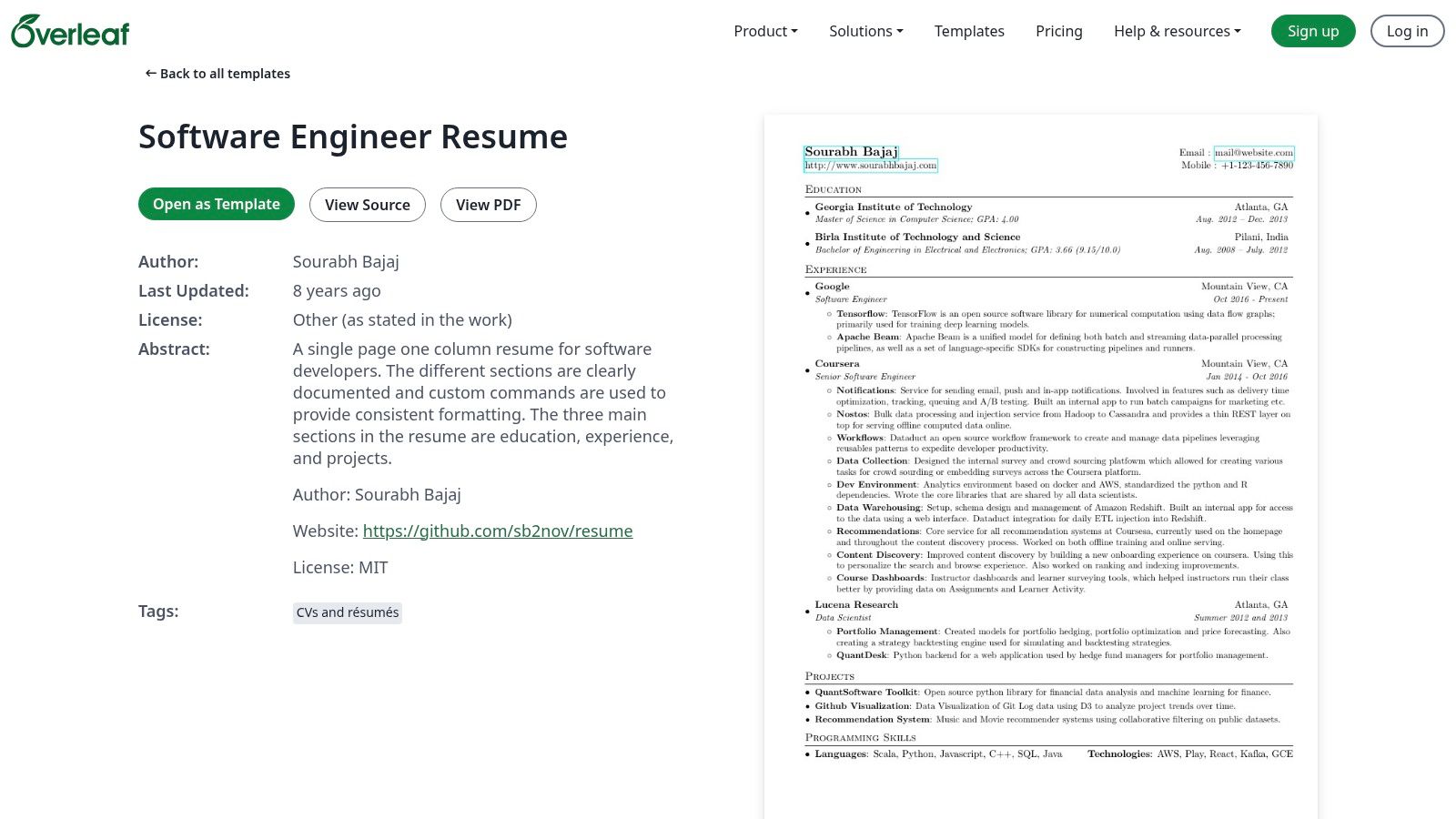
The platform’s strength lies in its extensive gallery of user-submitted templates, many specifically designed as software engineer resume examples. You can find battle-tested layouts like the popular sb2nov or Leslie Cheng's templates, which can be opened and edited with a single click. This approach offers the precision of coding your resume without forcing you to start from scratch, providing a powerful framework that’s respected in technical circles. For more on structuring your experience section effectively, our guide on how to quantify your resume bullet points can help you add impact to these clean templates.
Overleaf provides a two-pane interface: you write LaTeX code on the left and see a live-compiled PDF preview on the right. While this requires a learning curve for newcomers, it gives you absolute control over every element, from margins to font kerning.
Overleaf's core service is free, which includes access to the template gallery and the ability to create, edit, and download your resume as a PDF. Many of the most popular resume templates are also available under permissive licenses, making them free to use and modify. Paid plans offer advanced features like real-time collaboration and integrations, but they are not necessary for resume building.
Actionable Insight: Find a template you like in the Overleaf gallery, then search for its source on GitHub. This often reveals forks and variations with improvements or different styles. This lets you leverage community enhancements without starting from scratch.
Website: https://www.overleaf.com/latex/templates/software-engineer-resume/gqxmqsvsbdjf
Etsy serves as a massive marketplace for downloadable, professionally designed resume templates, including many specifically tailored for software engineers. It stands out by offering affordable, one-time purchases of digital files in formats like Google Docs, Word, and Canva. This approach is ideal for engineers who want a high-quality, ATS-friendly design without committing to a recurring subscription, giving them full ownership of the template files to edit and reuse as needed.
The platform’s strength lies in its sheer variety. A search for software engineer resume examples reveals hundreds of listings from various independent designers. This allows you to find a unique style that aligns with your personal brand, whether you prefer a minimalist, single-column layout for a senior role or a more visually distinct design for a creative tech startup. Many sellers also bundle matching cover letters and provide editing guides, offering a comprehensive package for a low, one-time cost.
Navigating Etsy is straightforward, leveraging its powerful search and filter system. You can browse by file type, style, and price, while seller reviews and detailed item descriptions help you gauge the quality and ease of use before purchasing. The transaction is instant, with files available for download immediately.
Etsy's model is simple: you pay a small, one-time fee for the digital template files. There are no subscriptions, trials, or recurring charges. You download the files and own them forever, allowing for unlimited edits and future use.
Actionable Insight: Before purchasing, use the search filter for "ATS friendly" and read the top 3-5 reviews for your chosen template. Look for comments that mention "easy to edit" or "got me an interview." This filters out poorly designed templates that look good but perform poorly.
Website: https://www.etsy.com/market/software_engineer_resume
GitHub is the ultimate destination for software engineers who want complete control over their resume's design and content. Instead of a web-based builder, it hosts open-source resume templates, often created with LaTeX, by engineers for engineers. This approach is ideal for those who value customization, have zero tolerance for vendor lock-in, and appreciate managing their resume with the same version control tools they use for code. Repositories like sb2nov's popular LaTeX template offer a clean, single-column format that is highly respected in the tech community.
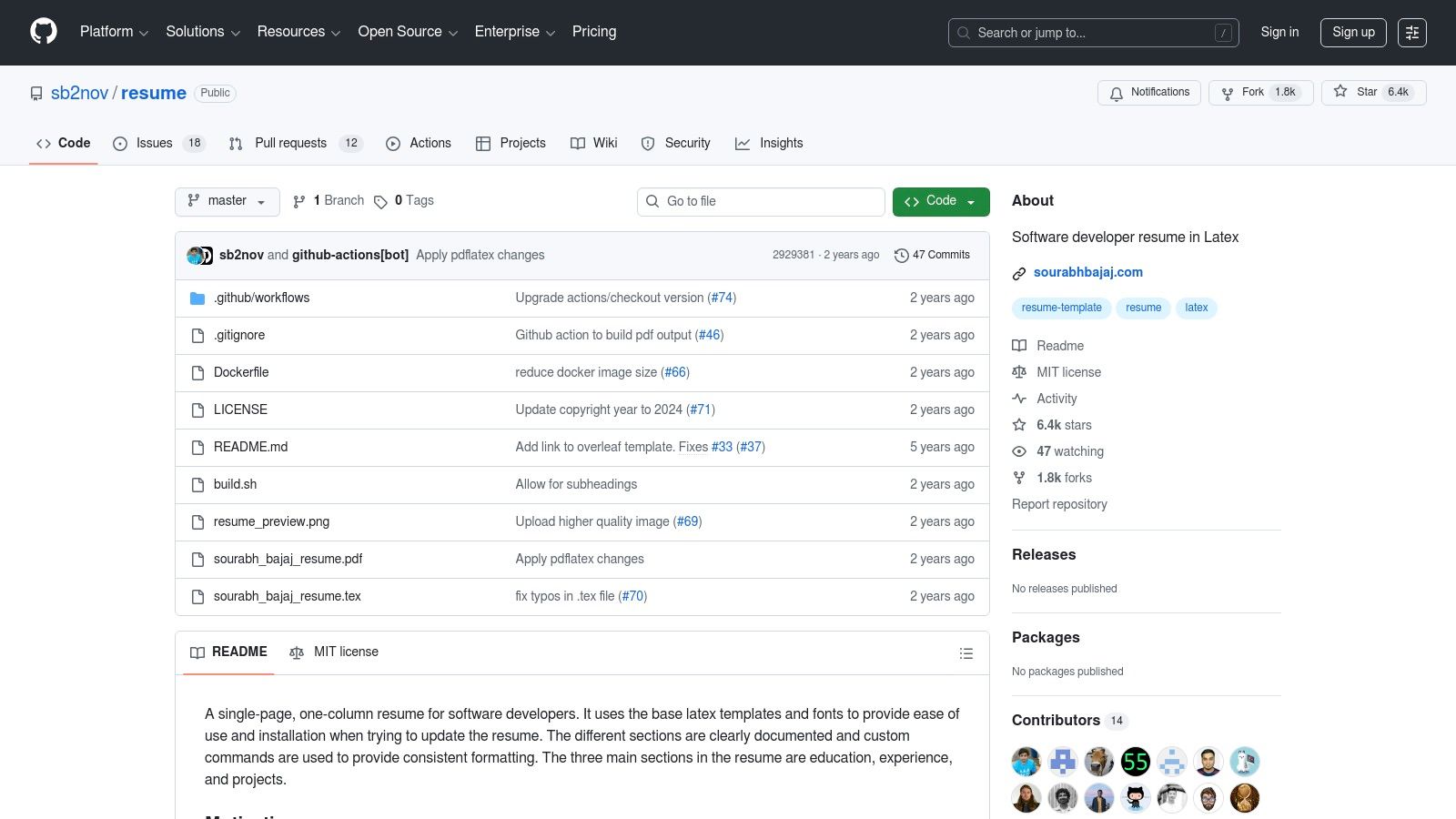
Using a template from GitHub signals a certain level of technical proficiency and attention to detail. It shows you're comfortable working outside of WYSIWYG editors and can manage your own documents professionally. While your resume itself is key, remember that your GitHub profile is often the next click for a hiring manager. To ensure it complements your resume, explore our guide on how to make your GitHub more impressive to employers for actionable tips.
The experience is fundamentally different from a resume builder; it’s a self-directed, code-centric workflow. You clone or download a repository, edit the source files (often .tex for LaTeX), and compile the document into a PDF yourself. This can be done locally with a LaTeX installation or through a web-based LaTeX editor like Overleaf.
GitHub repositories are completely free to access and use. The templates are open-source, so there are no subscription fees, trials, or hidden costs. Your only investment is the time required to set up your environment (like installing LaTeX or creating an Overleaf account) and learn the basics of editing the template.
Actionable Insight: Treat your resume like a codebase. Create a private GitHub repo for it. Use branches to tailor your resume for different roles (e.g., feature/backend-role or feature/startup-application) and merge successful changes back into your main branch. This creates a documented history of your resume's evolution.
Website: https://github.com/sb2nov/resume
We've explored a diverse set of tools, from the polished interfaces of Resume.io and Zety to the developer-centric precision of Overleaf and GitHub. We’ve also dissected numerous software engineer resume examples, transforming them from simple task lists into compelling narratives of impact. However, the most powerful takeaway is this: a template is only a container. Your success hinges on the strategic substance you pour into it.
The journey from a blank page to a job-winning resume is built on a foundation of core principles we've reinforced throughout this guide. Your resume is not a historical document of everything you've ever done; it is a targeted marketing tool designed to solve a specific company's problem with your unique skills.
Before (Task-focused):
After (Impact-focused):
To distill our analysis into actionable steps, let’s recap the most critical strategies. These are the non-negotiables that separate a resume that gets a glance from one that gets a call.
Selecting the best tool depends entirely on your needs and workflow. A senior DevOps engineer valuing precision and version control will find a perfect match in an Overleaf LaTeX template hosted on GitHub. In contrast, a junior frontend developer aiming for a visually appealing, easy-to-create resume might gravitate toward Canva or Resume.io for their intuitive drag-and-drop interfaces.
For those who manage their entire professional life in a single workspace, it's also worth exploring how to build a dynamic resume within a versatile platform. You can find excellent professional resume templates on Notion that allow for deep customization and easy sharing, blending your resume into your personal project management system.
Armed with these software engineer resume examples and strategic insights, your path forward is clear. Don't just pick a template and fill it out. Instead, commit to a process of strategic refinement.
Ultimately, your resume is a story about your ability to solve complex problems and create value. By applying the principles of quantification, tailoring, and focusing on business impact, you are not just listing job duties. You are building a powerful argument for why you are the best candidate to help a company achieve its goals. Take these tools, templates, and strategies, and build the resume that unlocks your next great opportunity in the startup world.
Ready to put your newly polished resume to the test? Stop endlessly applying and let top startups come to you. Underdog.io connects talented software engineers directly with hiring managers at high-growth tech companies, cutting through the noise so you can focus on what matters: finding a role you love. Sign up on Underdog.io today and get your resume in front of the right people.
The essential sections are: Contact Information, a strong Technical Skills list, a detailed Professional Experience section, Education, and relevant Projects. Optional but valuable sections can include a Professional Summary for experienced engineers, Certifications, and Open Source Contributions. The focus should be on demonstrating technical capability and measurable impact.
The reverse-chronological format is the industry standard and is highly recommended. It lists your most recent experience first, making it easy for recruiters and hiring managers to quickly see your career progression and recent technical achievements. A clean, single-column layout with clear headings is best for both human readers and Applicant Tracking Systems (ATS).
Use bullet points that start with strong action verbs (e.g., Architected, Developed, Optimized, Implemented). Focus on the impact of your work, not just your duties. For each role, highlight the technologies used, the scope of your contribution, and, most importantly, a quantifiable result or outcome whenever possible.
Instead of "Worked on improving application performance," write "Refactored core API service using Go, reducing average response latency by 40%." Instead of "Added new features," try "Developed and launched a user notification system in React that increased user engagement by 15%." Numbers provide concrete proof of your effectiveness.
The skills section is critical for passing initial screens. Categorize your skills clearly (e.g., Languages, Frameworks, Tools & Platforms, Methodologies). Be honest about your proficiency level (e.g., Proficient in Python, Familiar with TensorFlow). Tailor this list for each application by emphasizing the technologies mentioned in the job description.
Yes, especially if you are a new graduate or have limited professional experience. Projects demonstrate initiative, passion, and practical skill. List them in a dedicated "Projects" section. For each project, describe the technologies used, your specific role, and provide a link to the live project or GitHub repository.
For startups, emphasize versatility, ownership, and impact. Highlight experiences where you wore multiple hats, shipped features end-to-end, or contributed beyond coding (e.g., mentoring, interviewing, improving processes). Showcase projects that had a direct business impact, like improving user growth or system scalability.